Subscribe to our Newsletter


WeShip United States





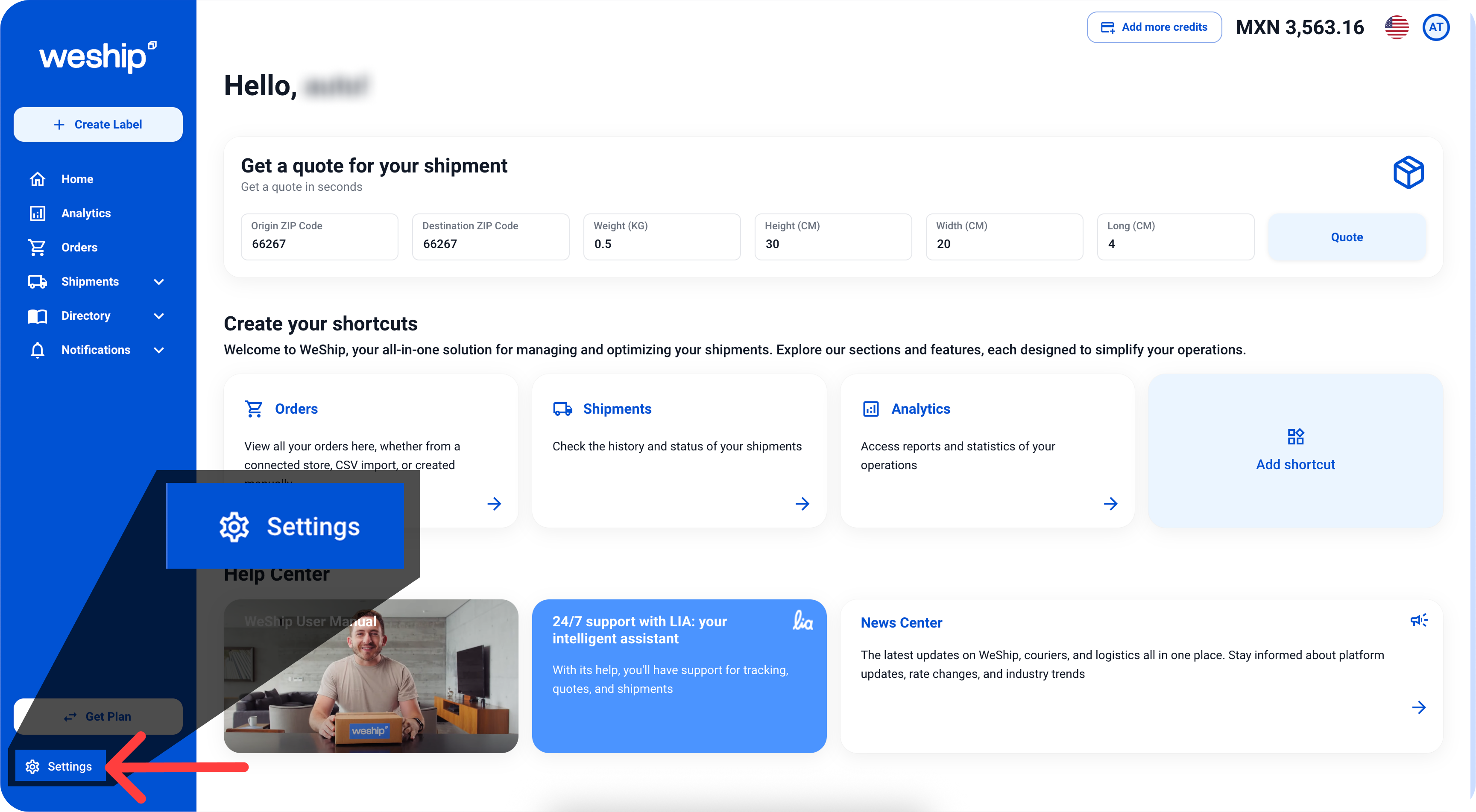
1. lick on the "Settings" menu.
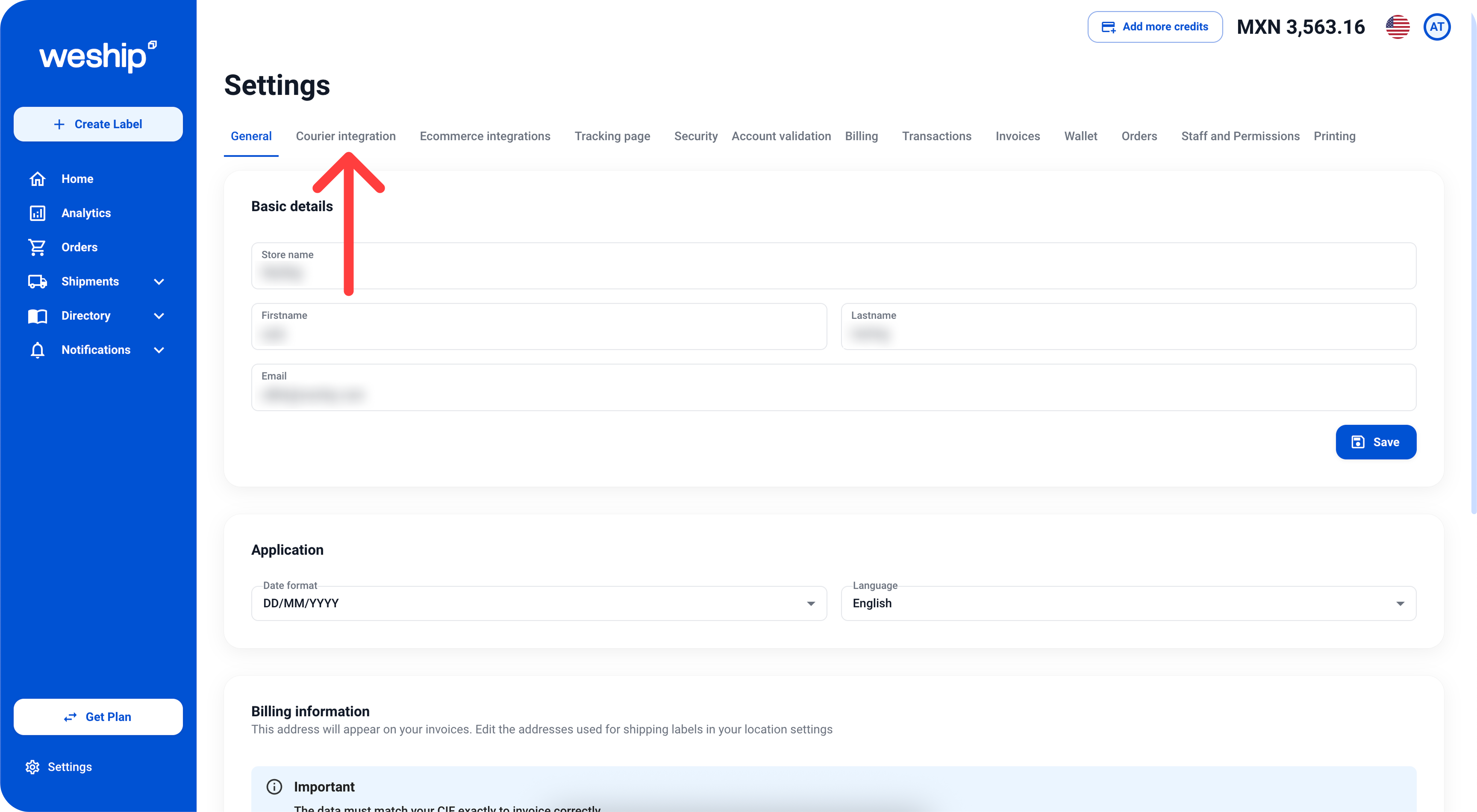
2. Within the Settings section, click on the "Courier Integration" tab.
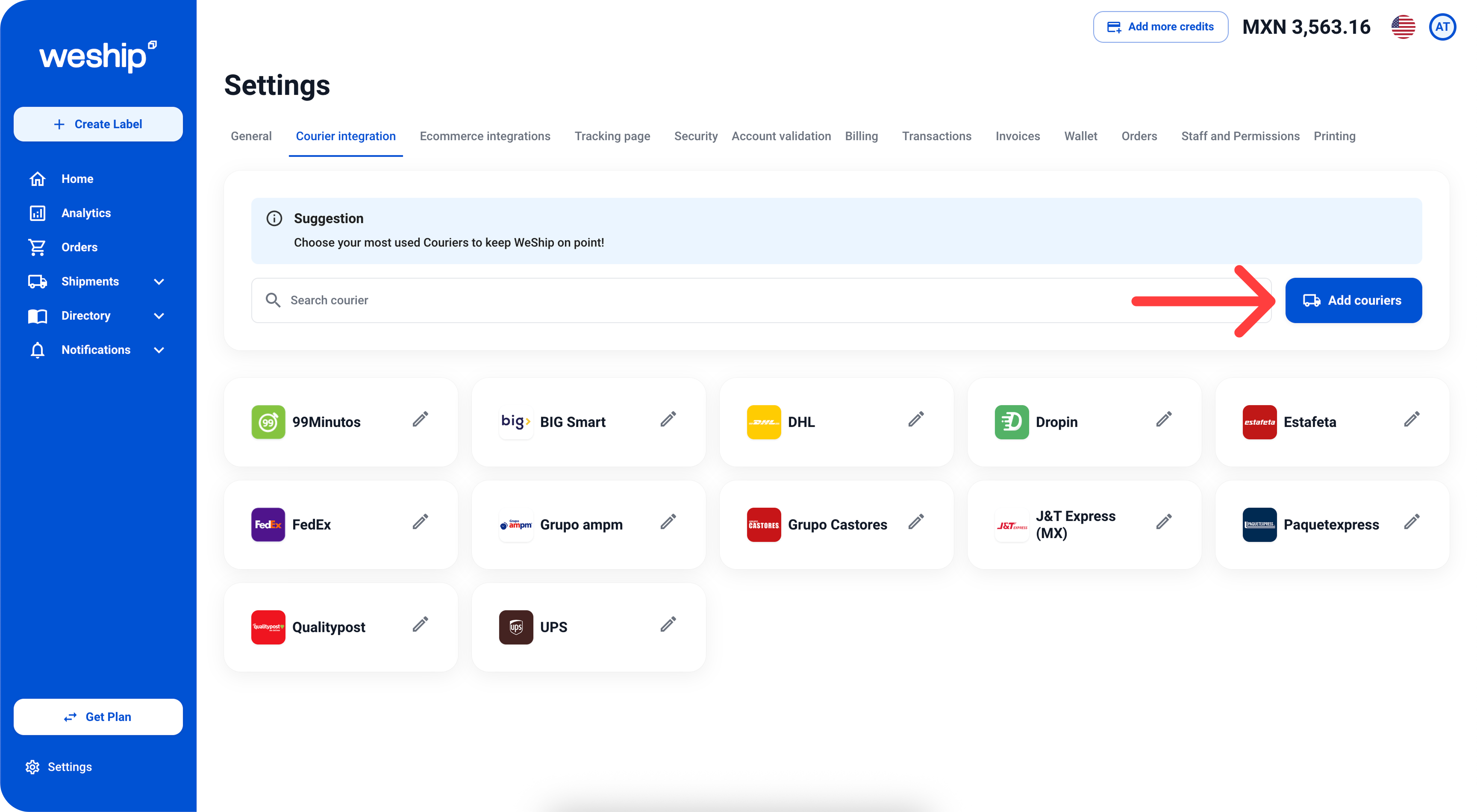
3. Within the "Courier Integration" tab, click on the "Add Couriers" button.
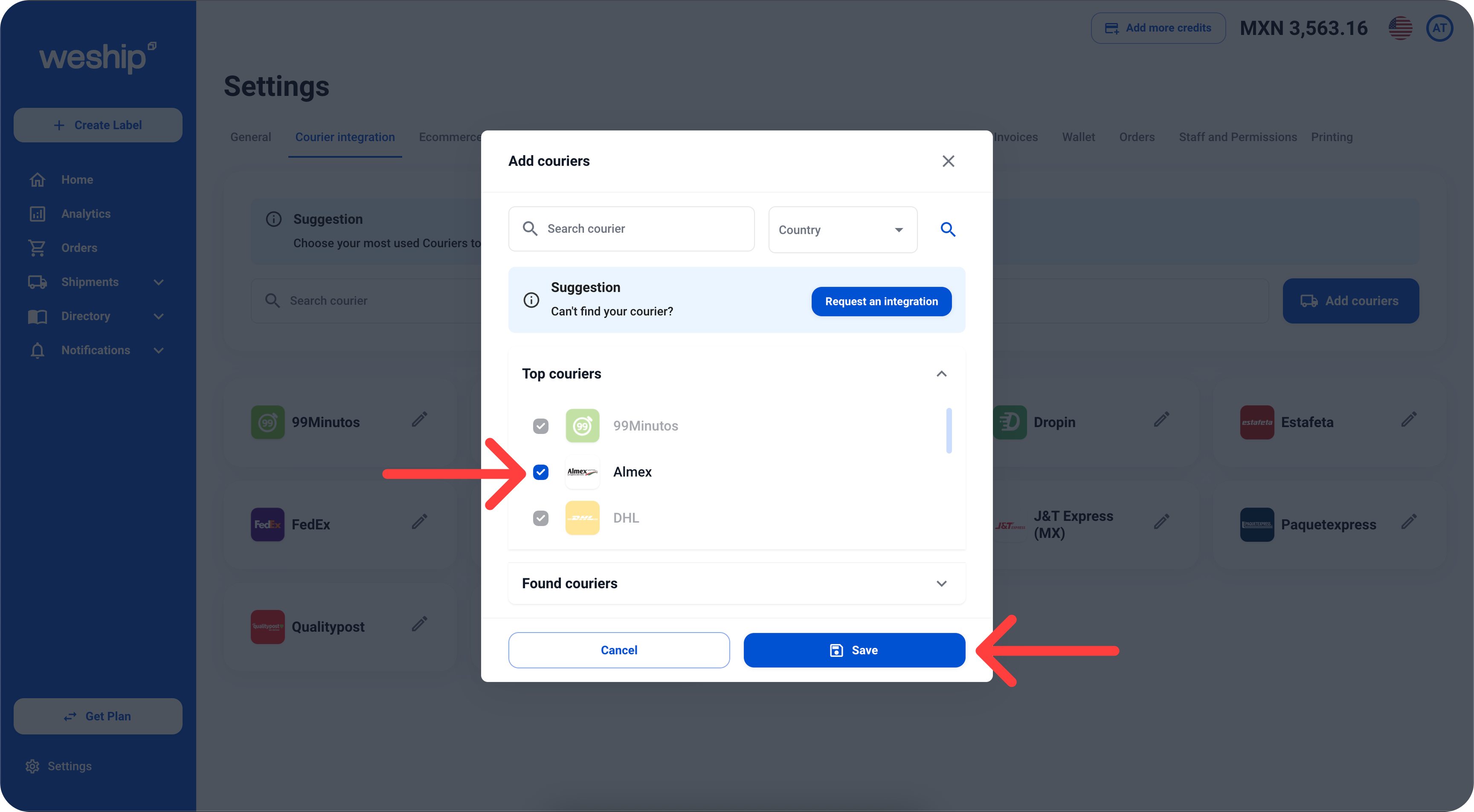
4. A carrier search bar will appear. If you find the carrier you want to activate, select it and click the "Save" button.
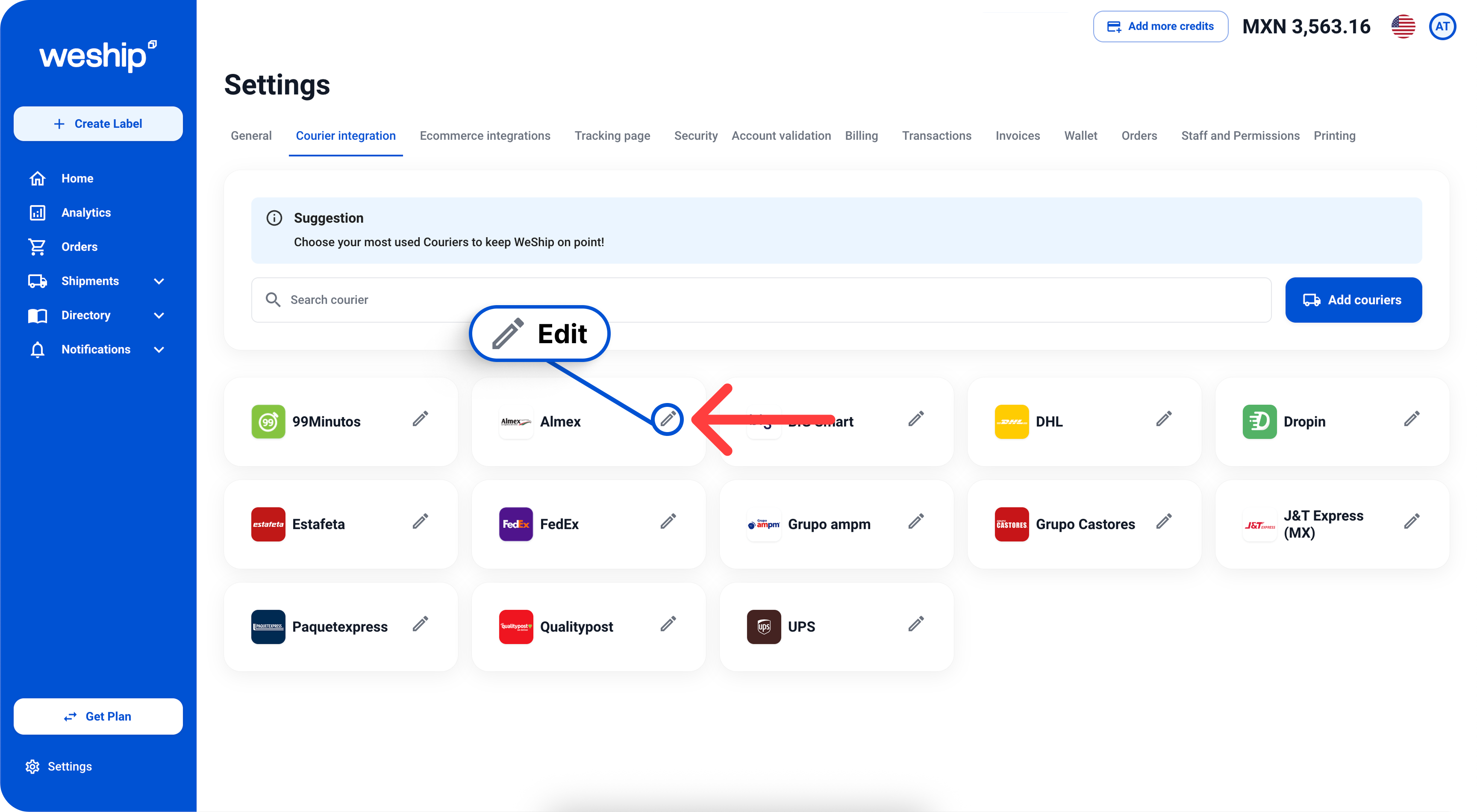
1. Locate the carrier you want to deactivate and click on the pencil icon to edit.
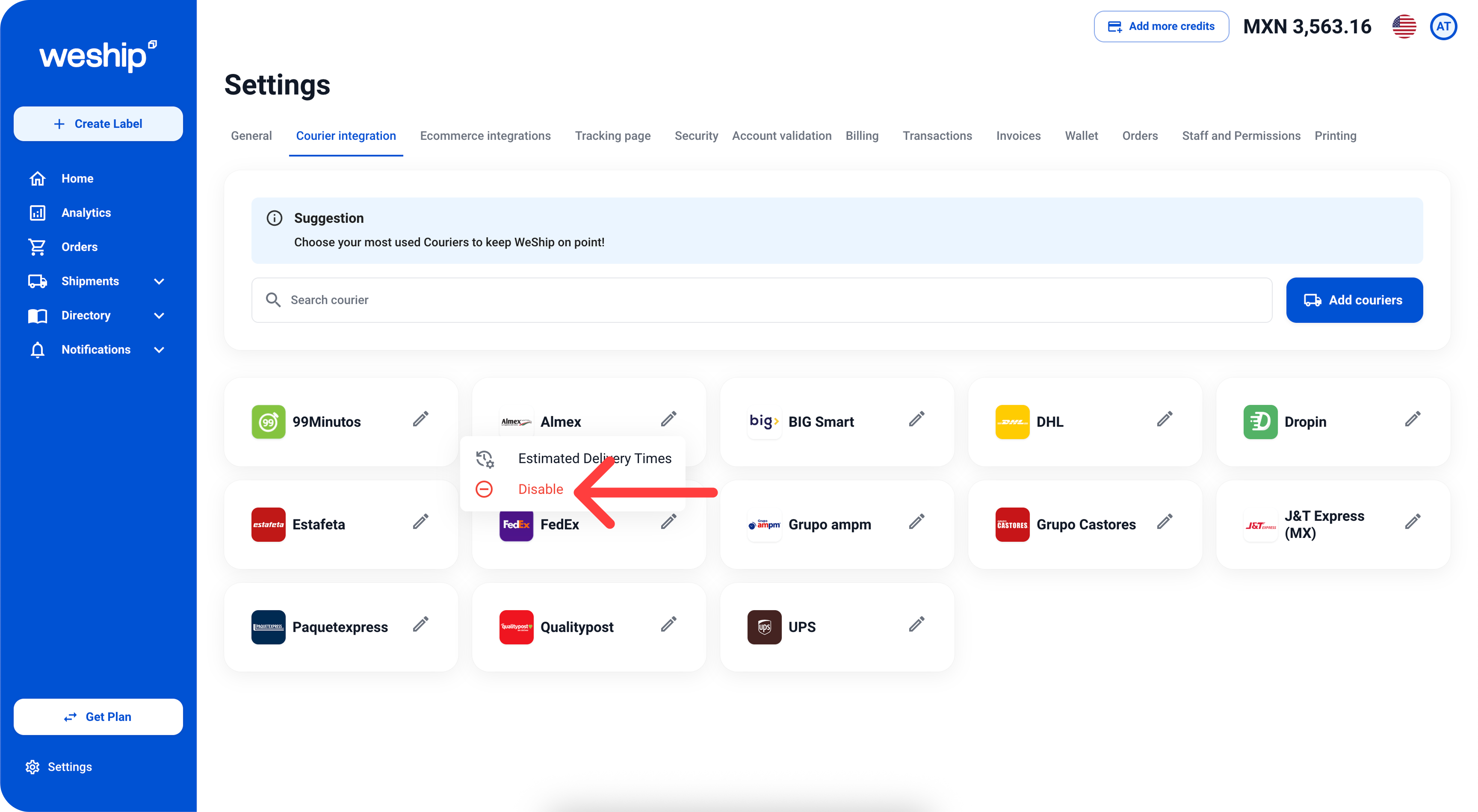
2. Click on the "Disable" option.
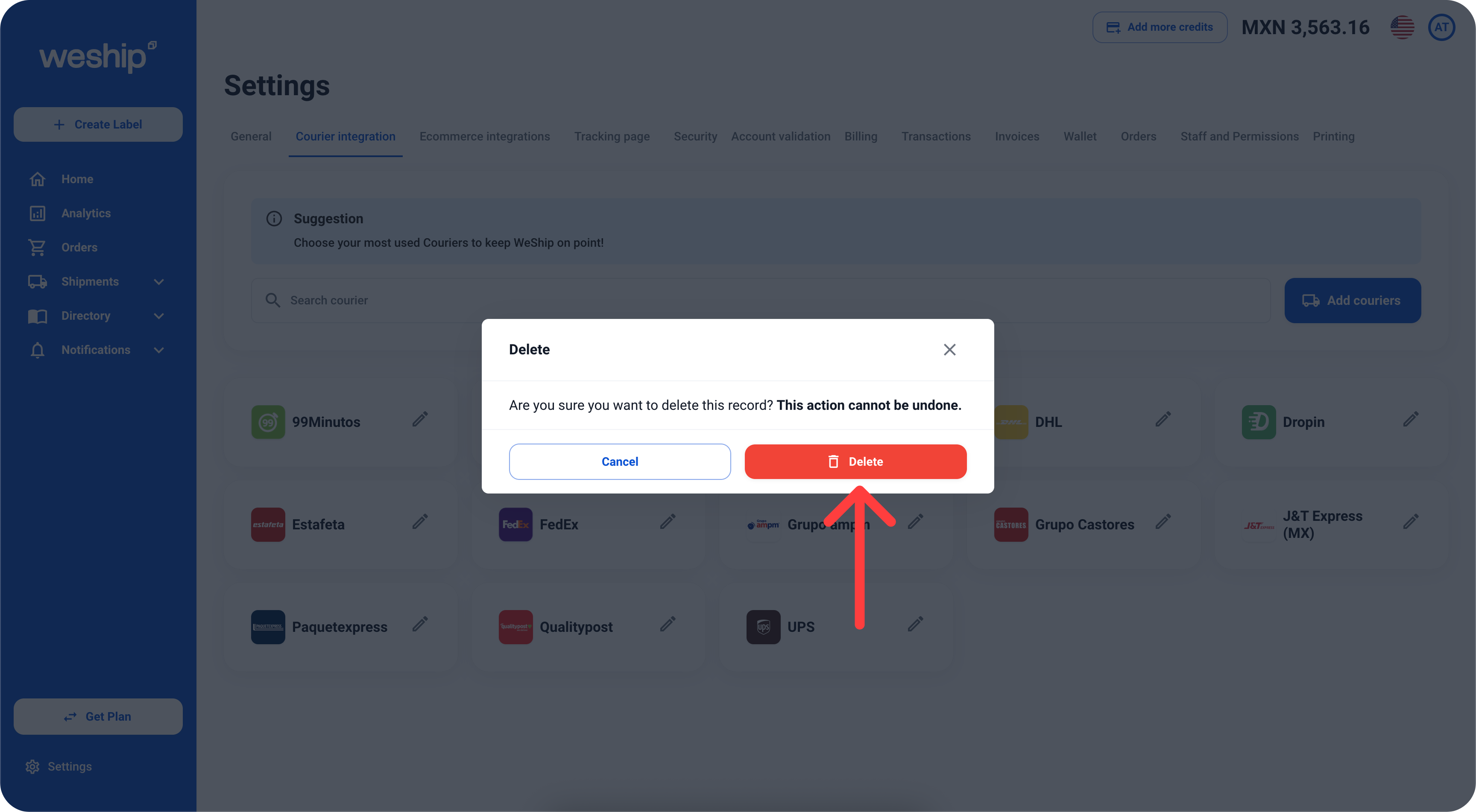
3. A confirmation message will appear to delete/disable the carrier. If you’re sure about this action, click the “Delete” button.