Subscribe to our Newsletter


WeShip United States




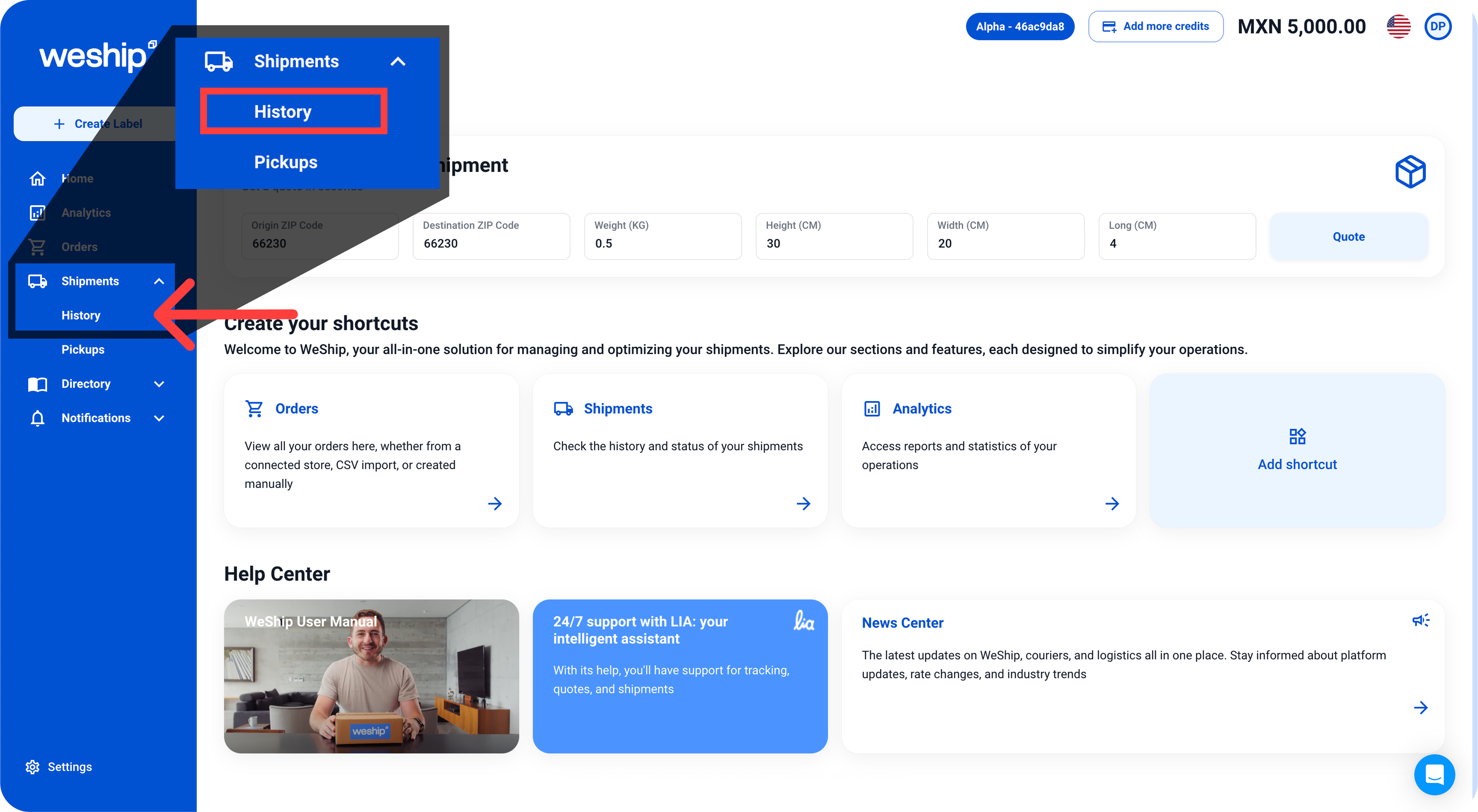
1. Go to the side menu and click on the “Shipments” tab. A submenu will appear—click on the option labeled “History”
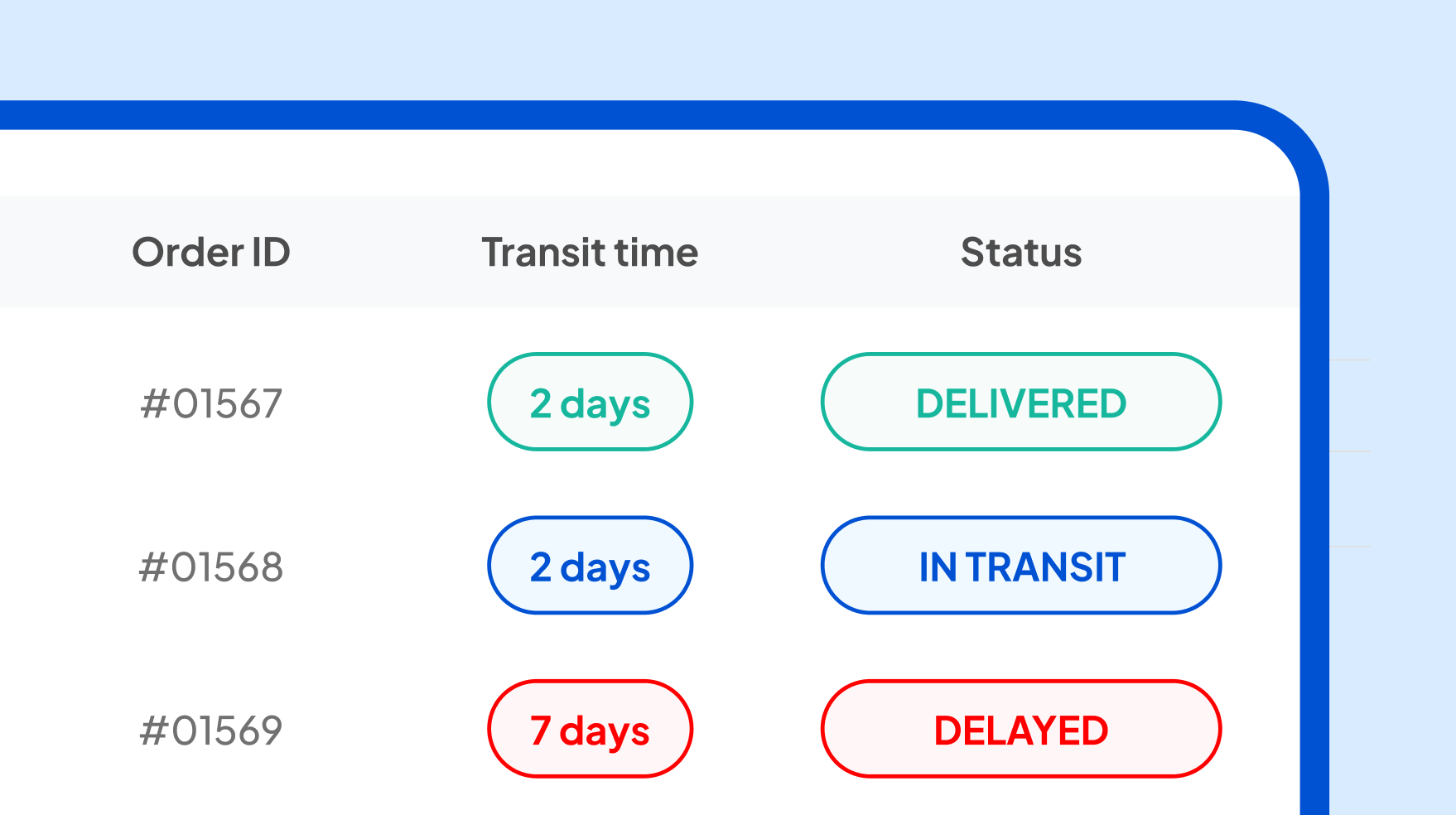
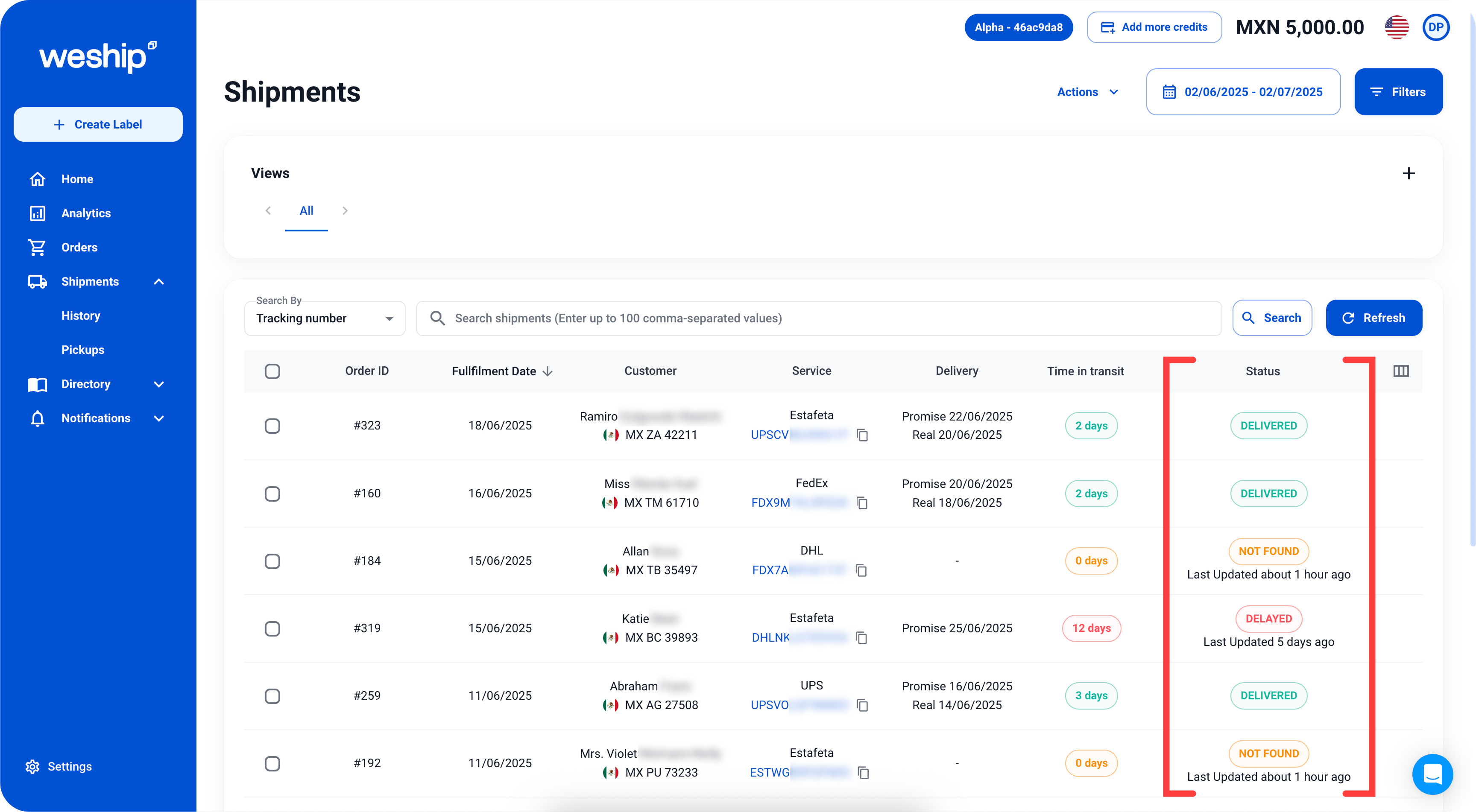
2. You’ll be directed to a screen with a list of all your shipments. Locate the shipment you want to check. In the last column, labeled “Status” you’ll find the current status of each shipment along with its latest update.
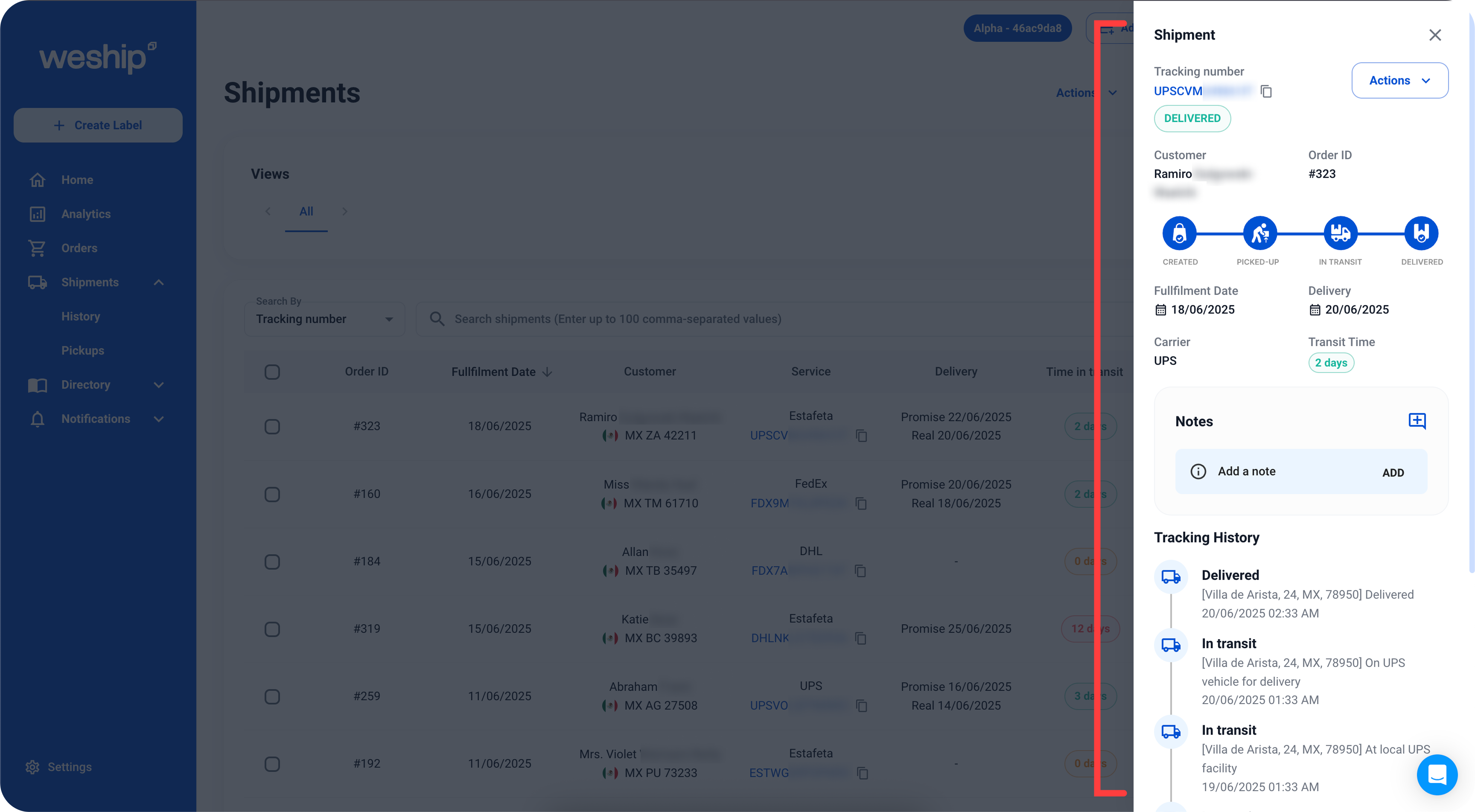
Another way to get more detailed tracking information is by clicking on the tracking number located in the “Service” column.
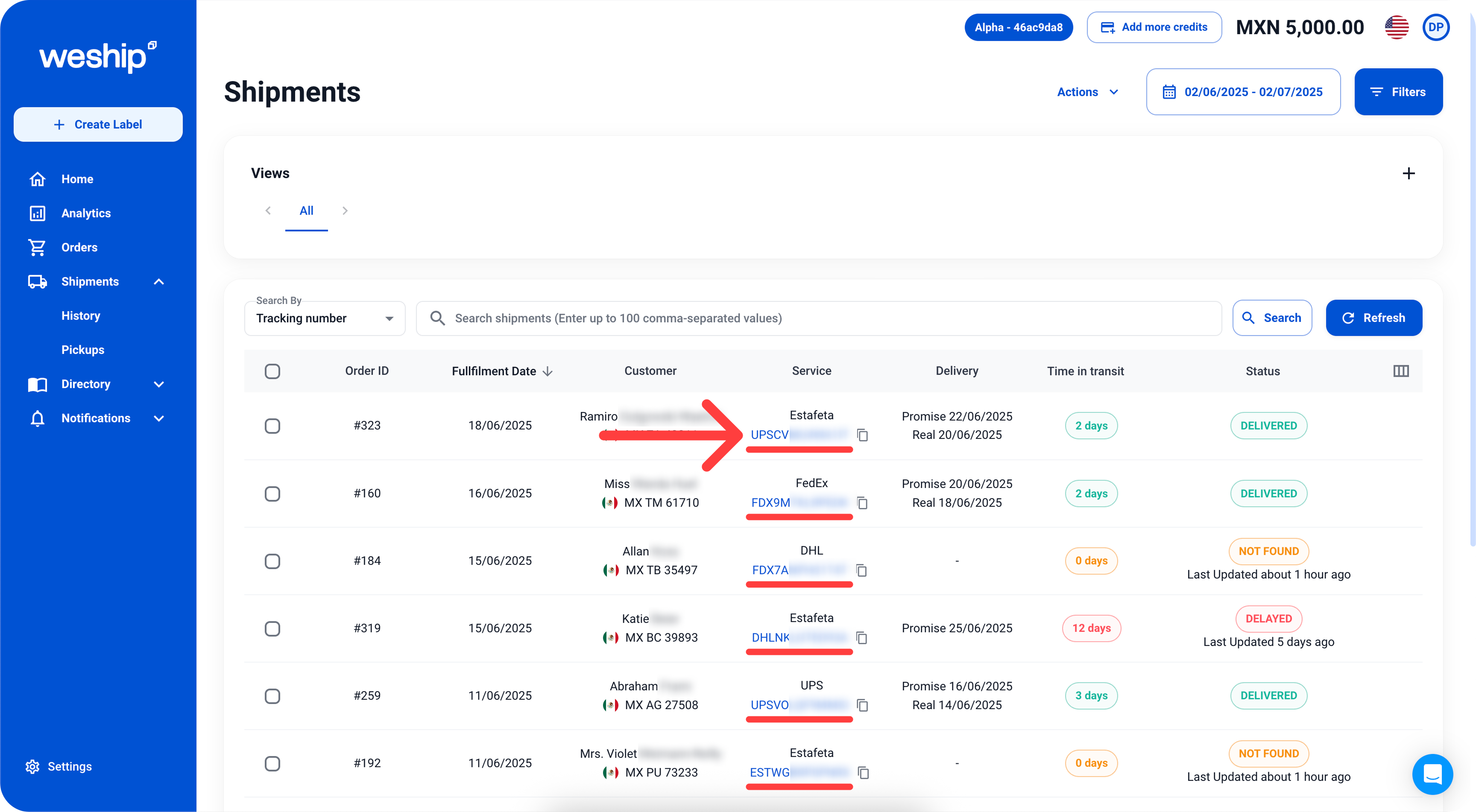
This will open a sidebar with detailed information about your shipments, such as the status, transit time, carrier, tracking history, and more.