Subscribe to our Newsletter


WeShip United States




1. Go to the home screen; at the top, you'll find a section with a form to get a quote for your shipments individually.
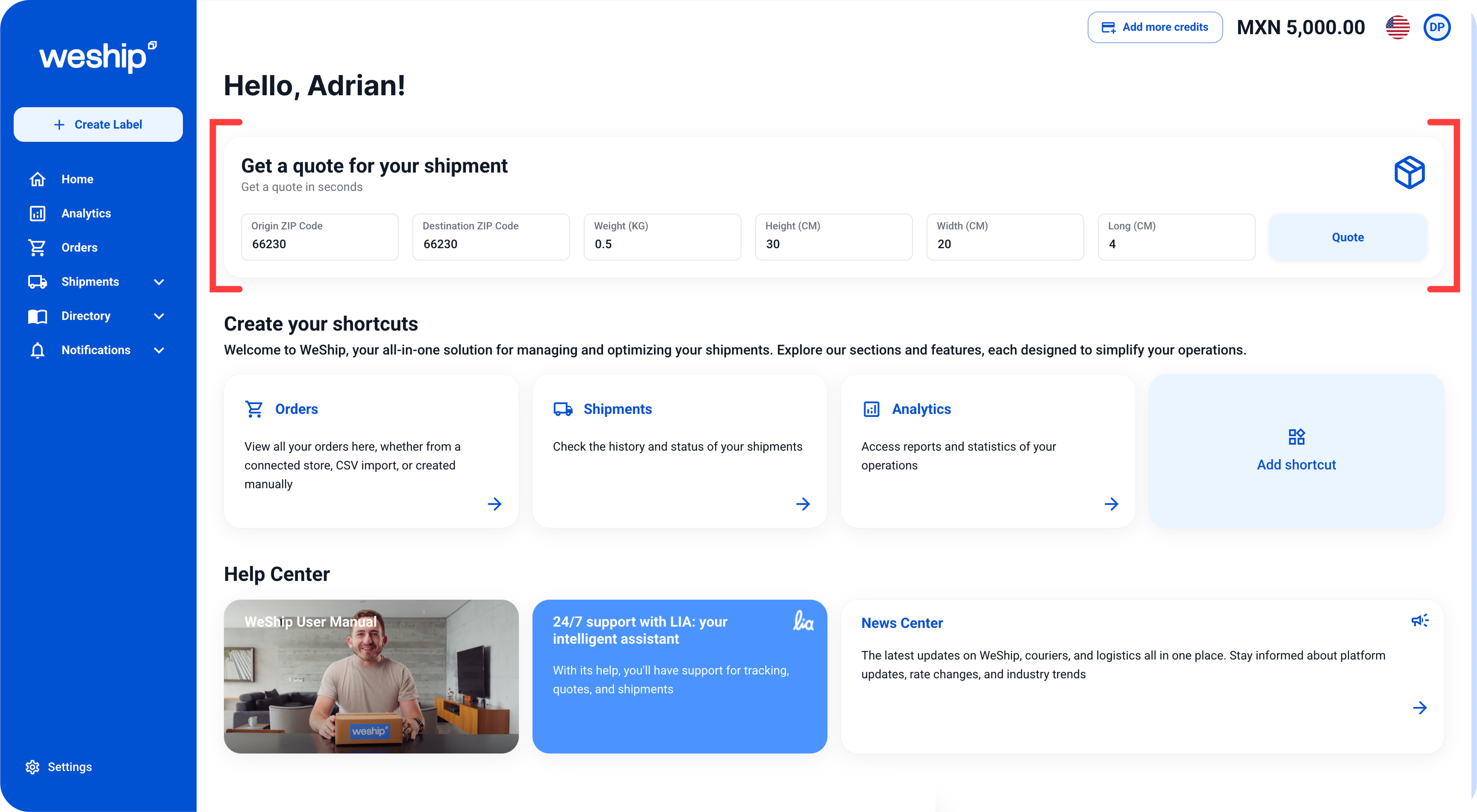
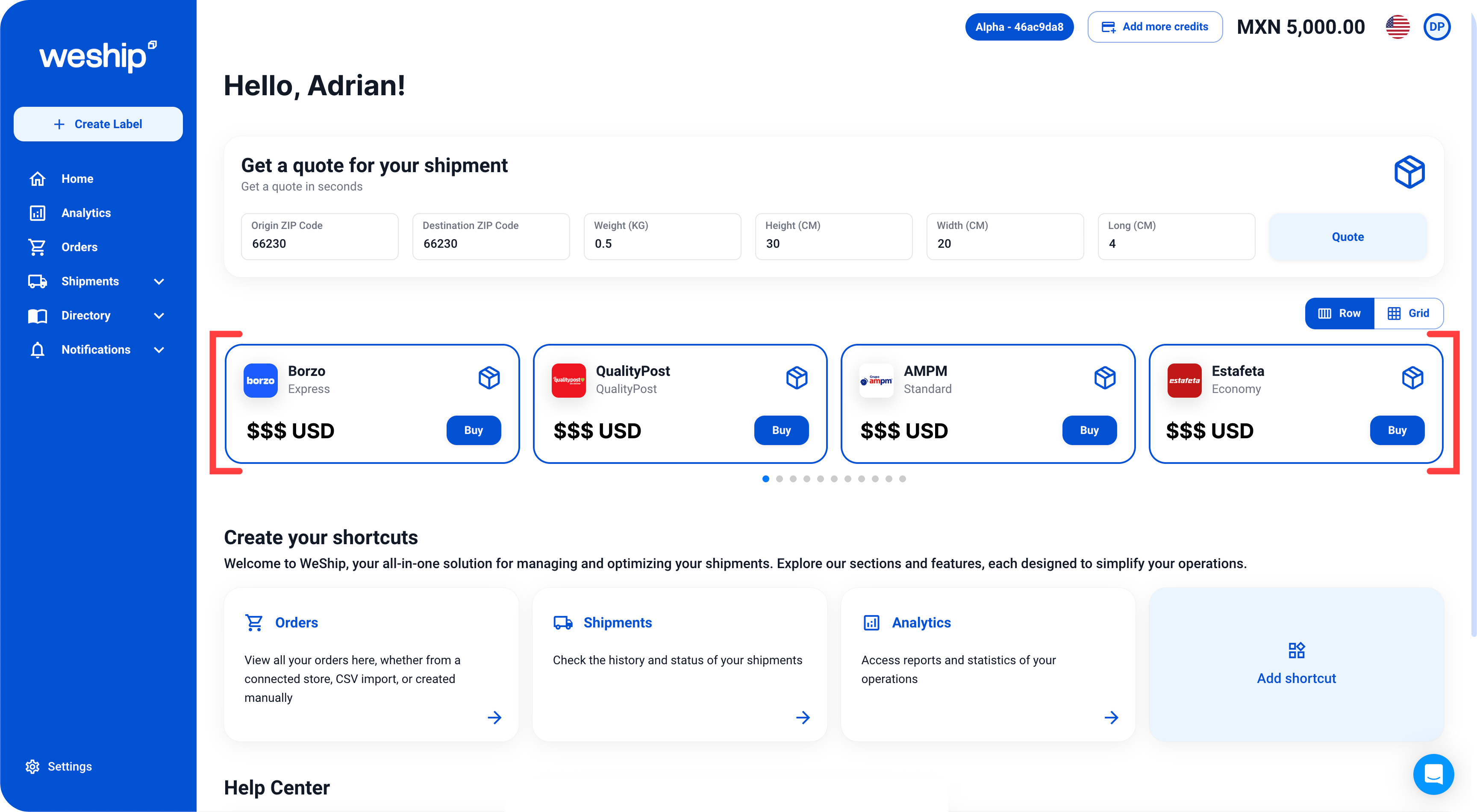
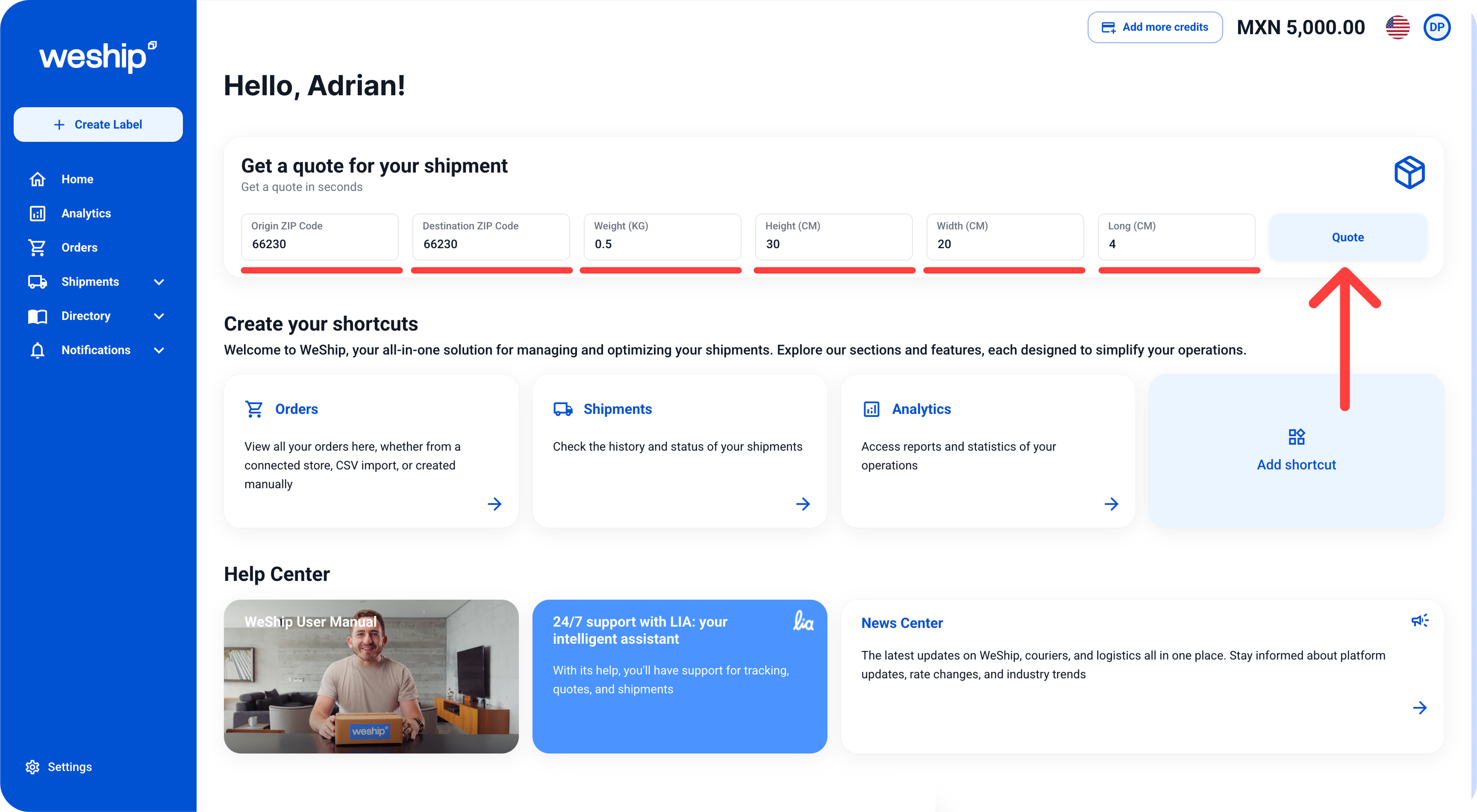
2. Fill out the form with your shipment details, such as Origin ZIP Code, Destination ZIP Code, weight in KG, and the package dimensions in CM (height, width, and length). Once you've completed the form, click the "Quote" button.
3. At the bottom of the quote tool, multiple shipping options from different carriers will appear. Choose the one that best suits your needs and purchase the shipping label.