Subscribe to our Newsletter


WeShip United States




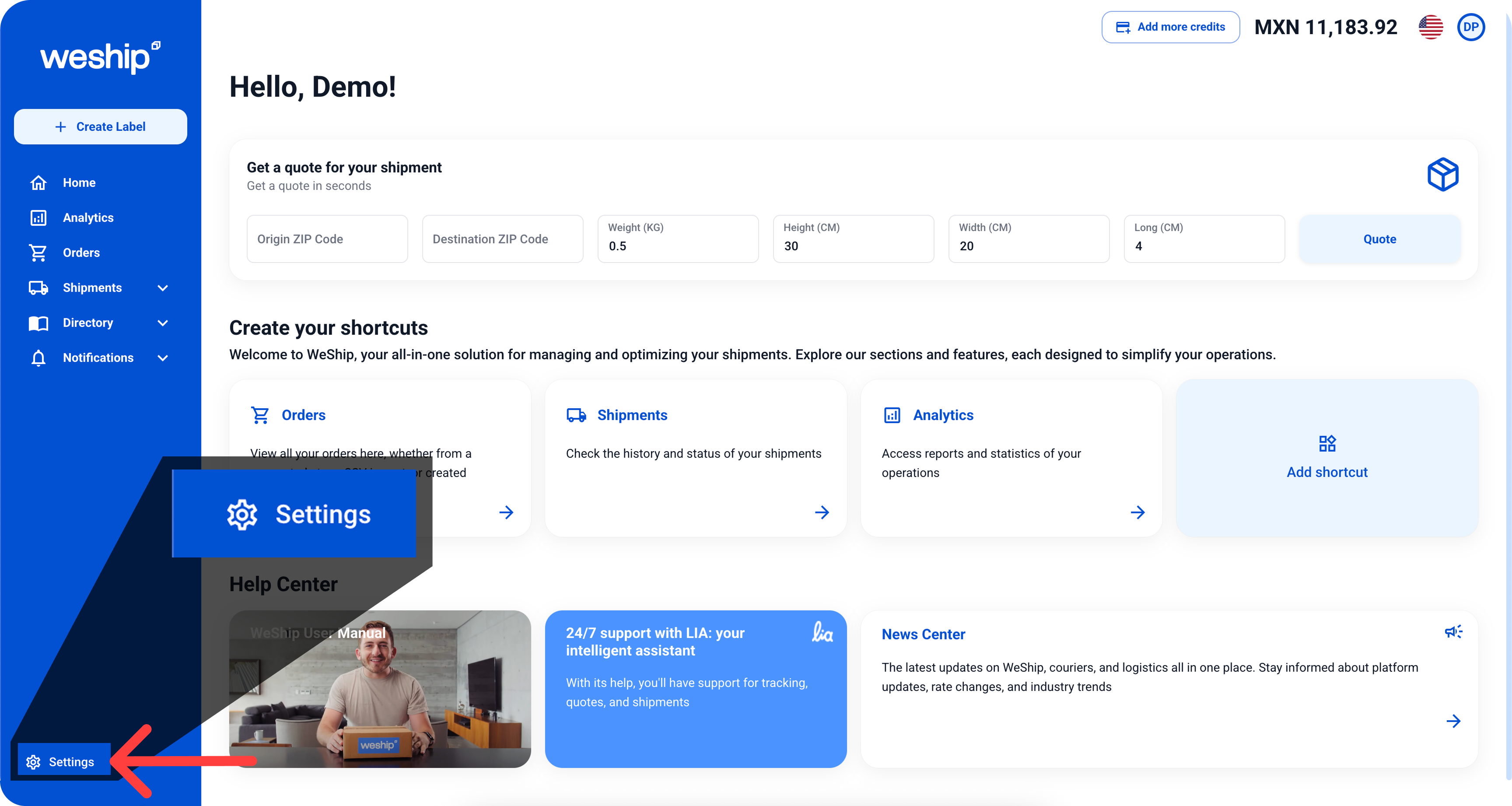
1. Click on the “Settings” menu
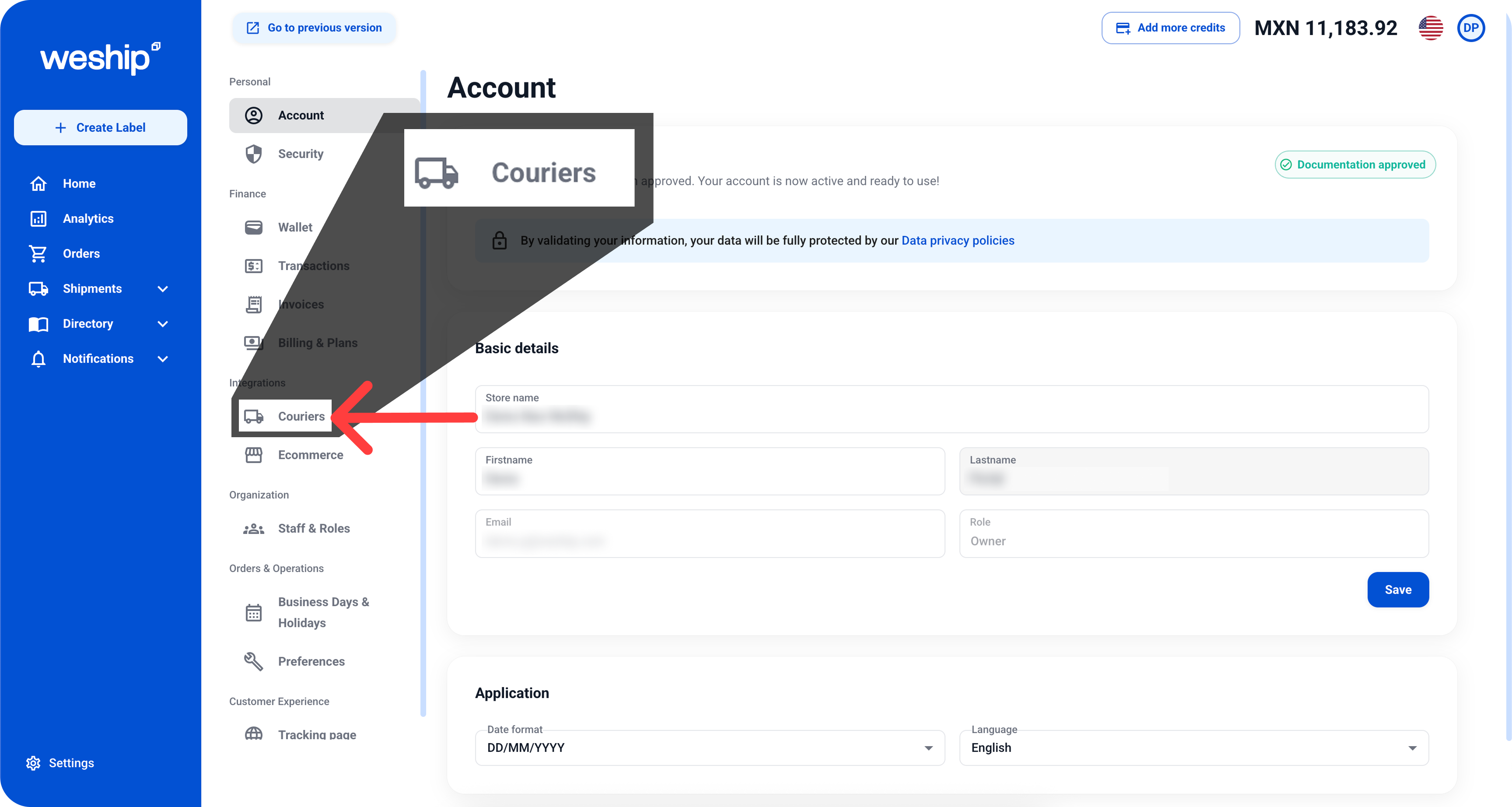
2. In the Settings submenu, click on the “Couriers” section
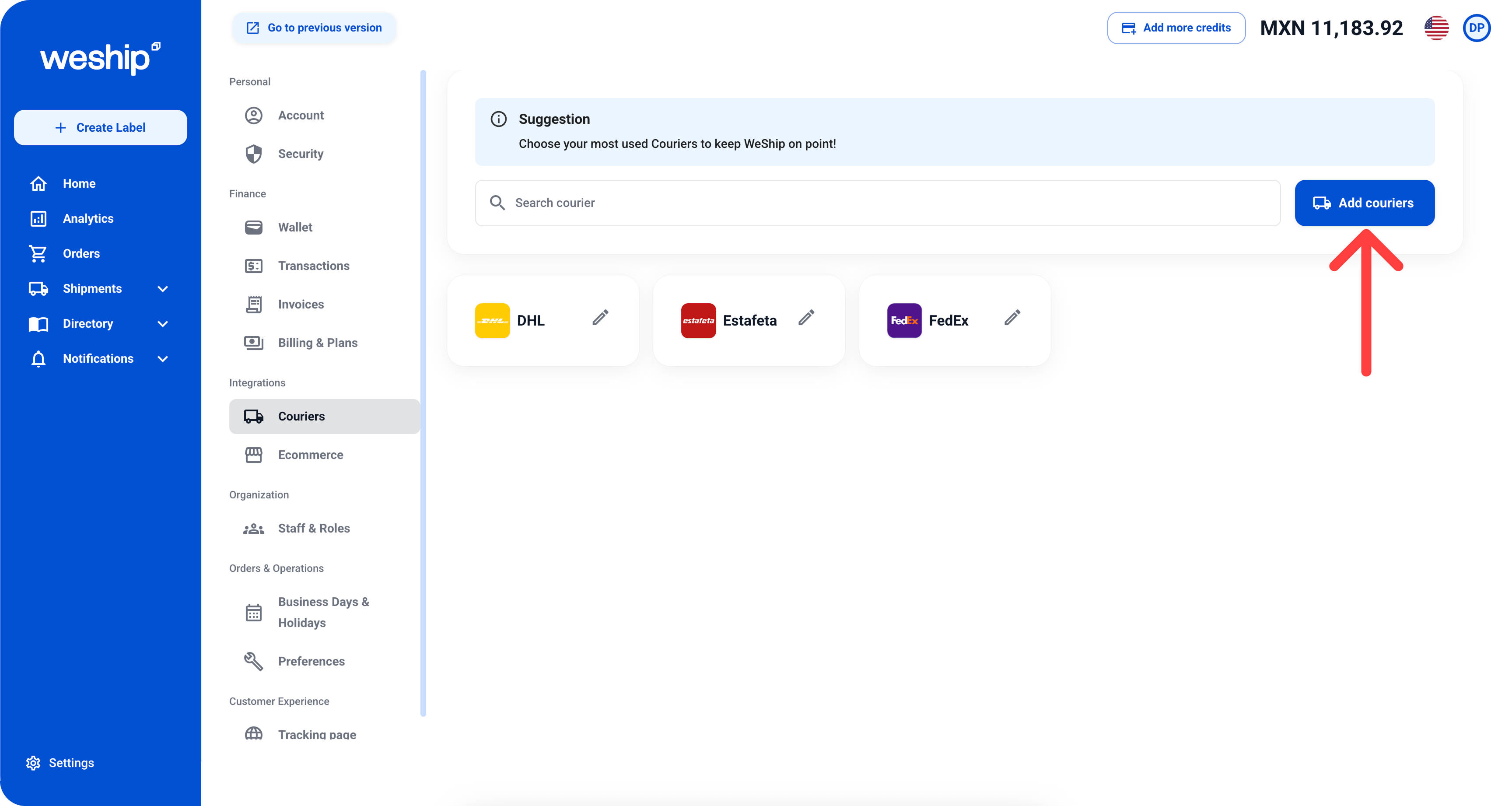
3. Here you will see the carriers you use to quote and ship through WeShip. To add a new carrier, simply click the “Add Couriers” button.
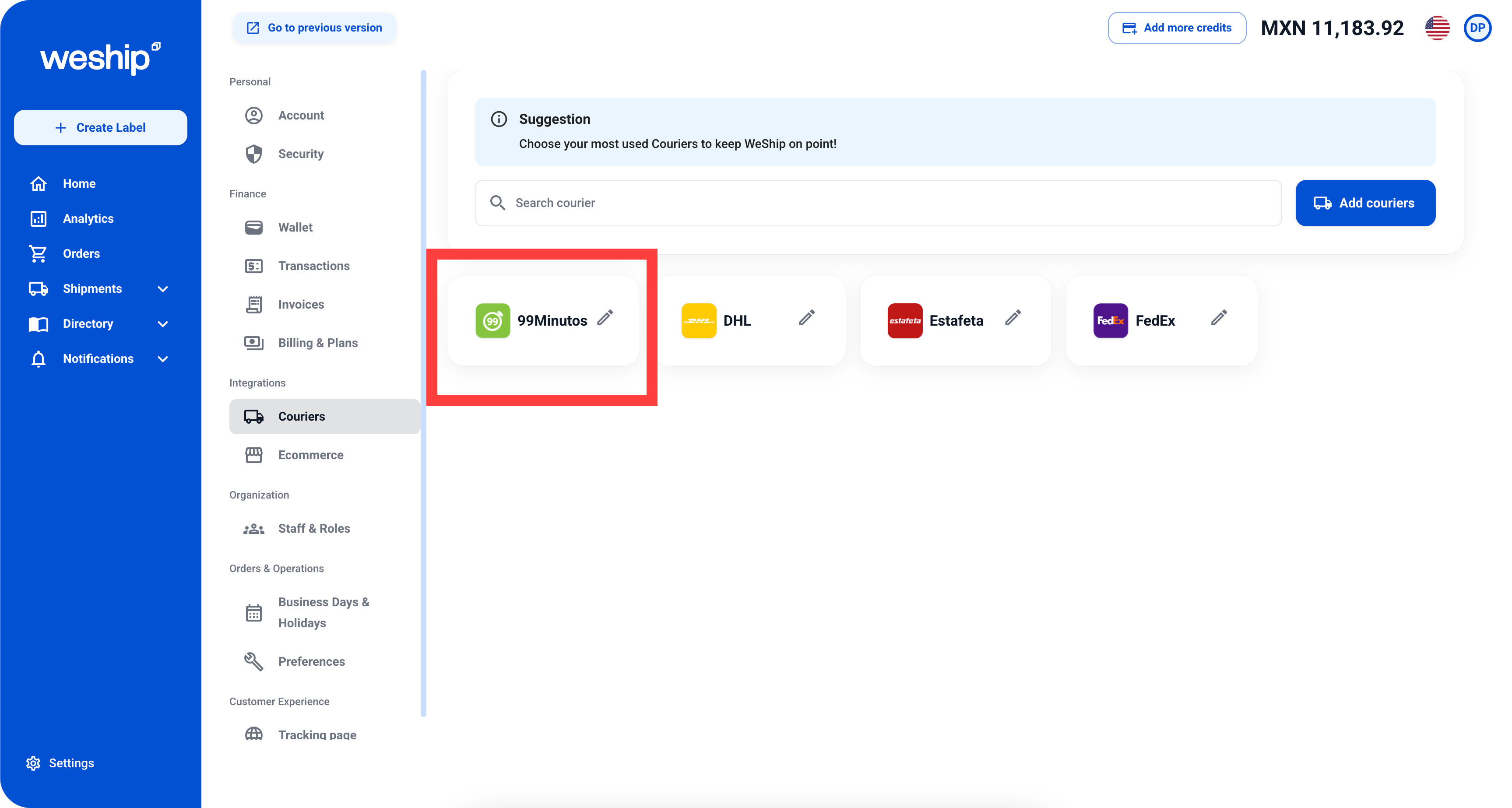
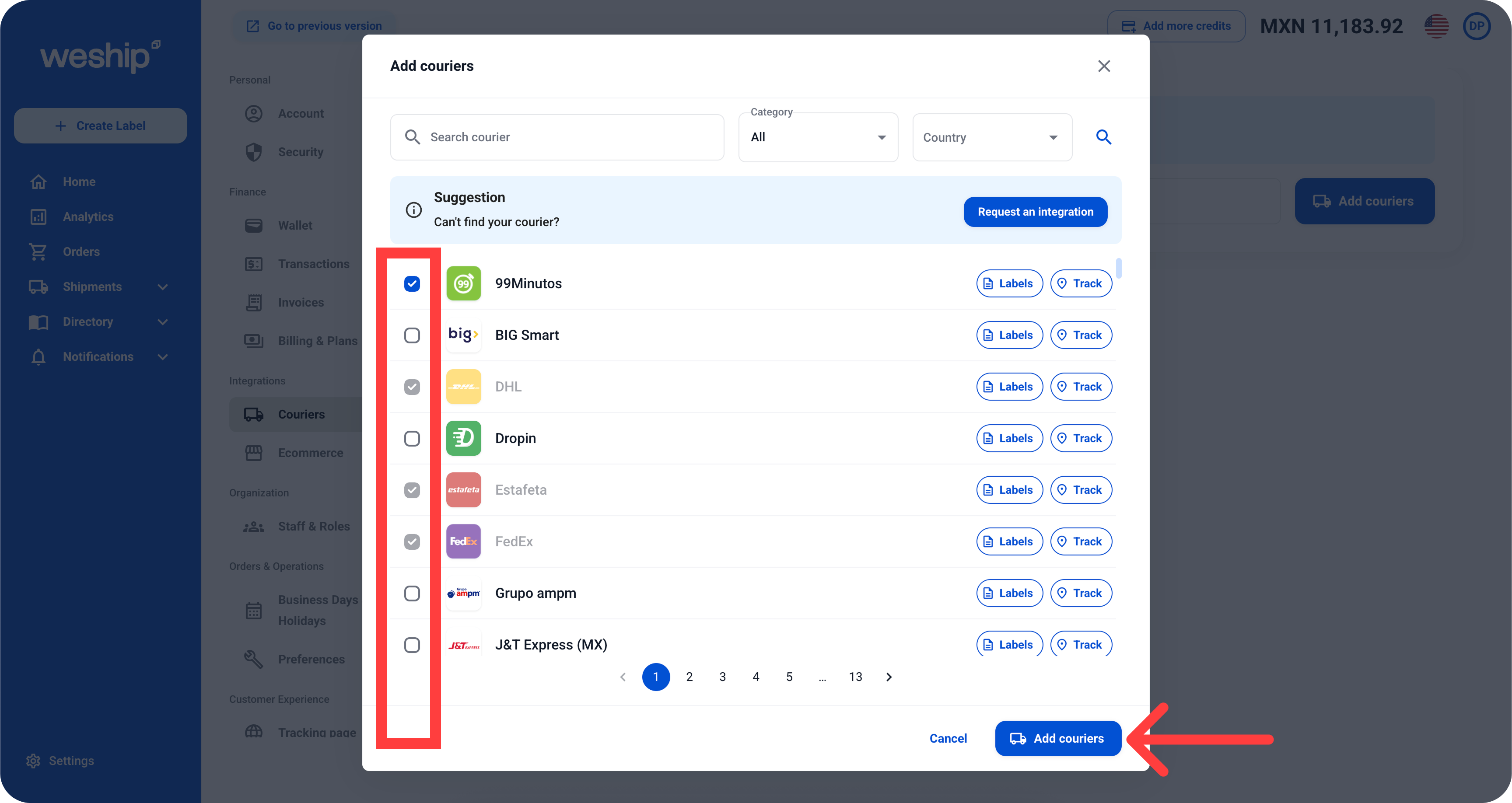
4. The carrier selector will open. Choose your carriers and click the bottom “Add Couriers” button to save.
5. Done! The carrier(s) you selected will appear on this screen. If you ever want to remove one, just click the pencil icon and select the “Disable” option.