Subscribe to our Newsletter


WeShip United States




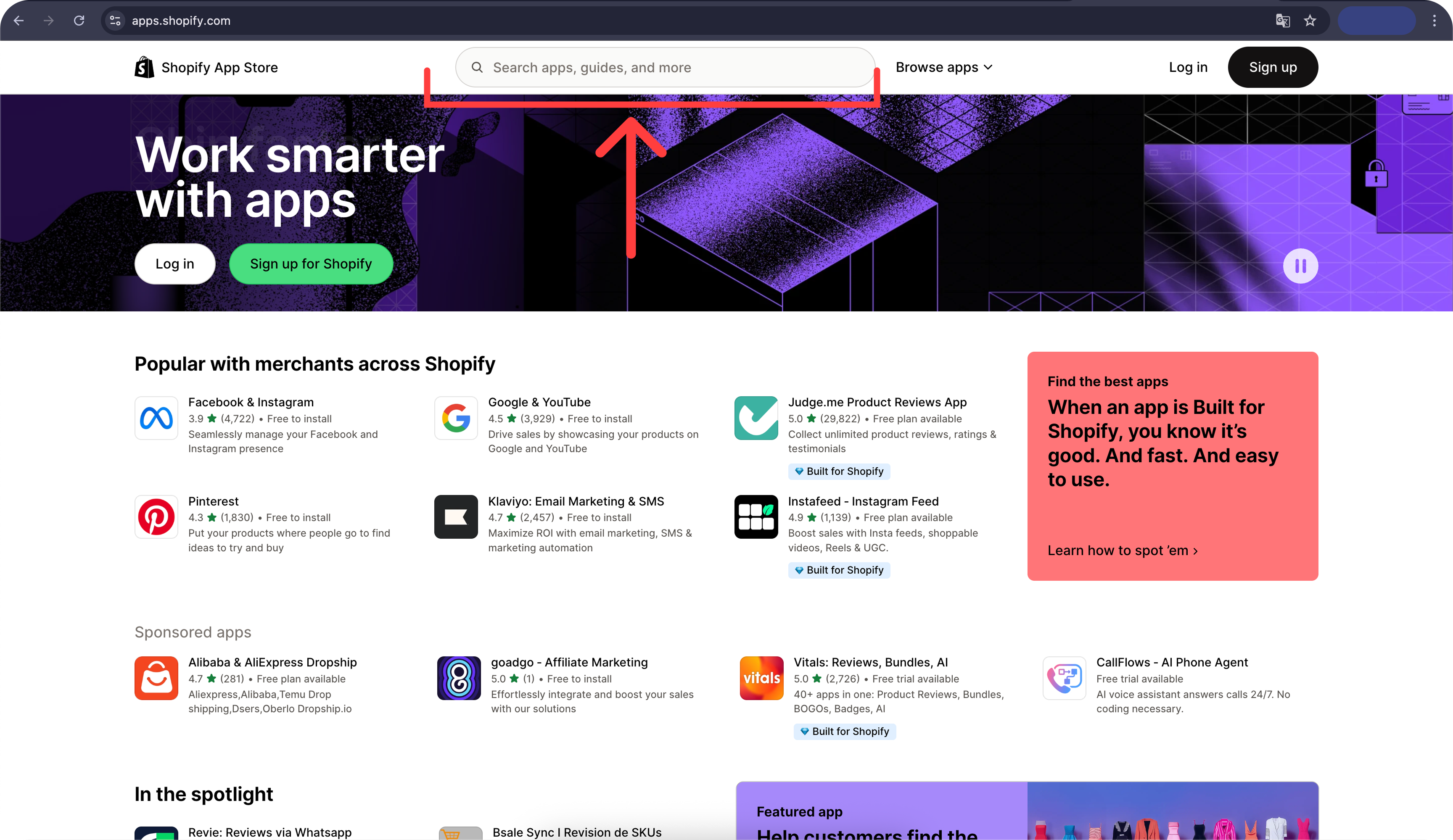
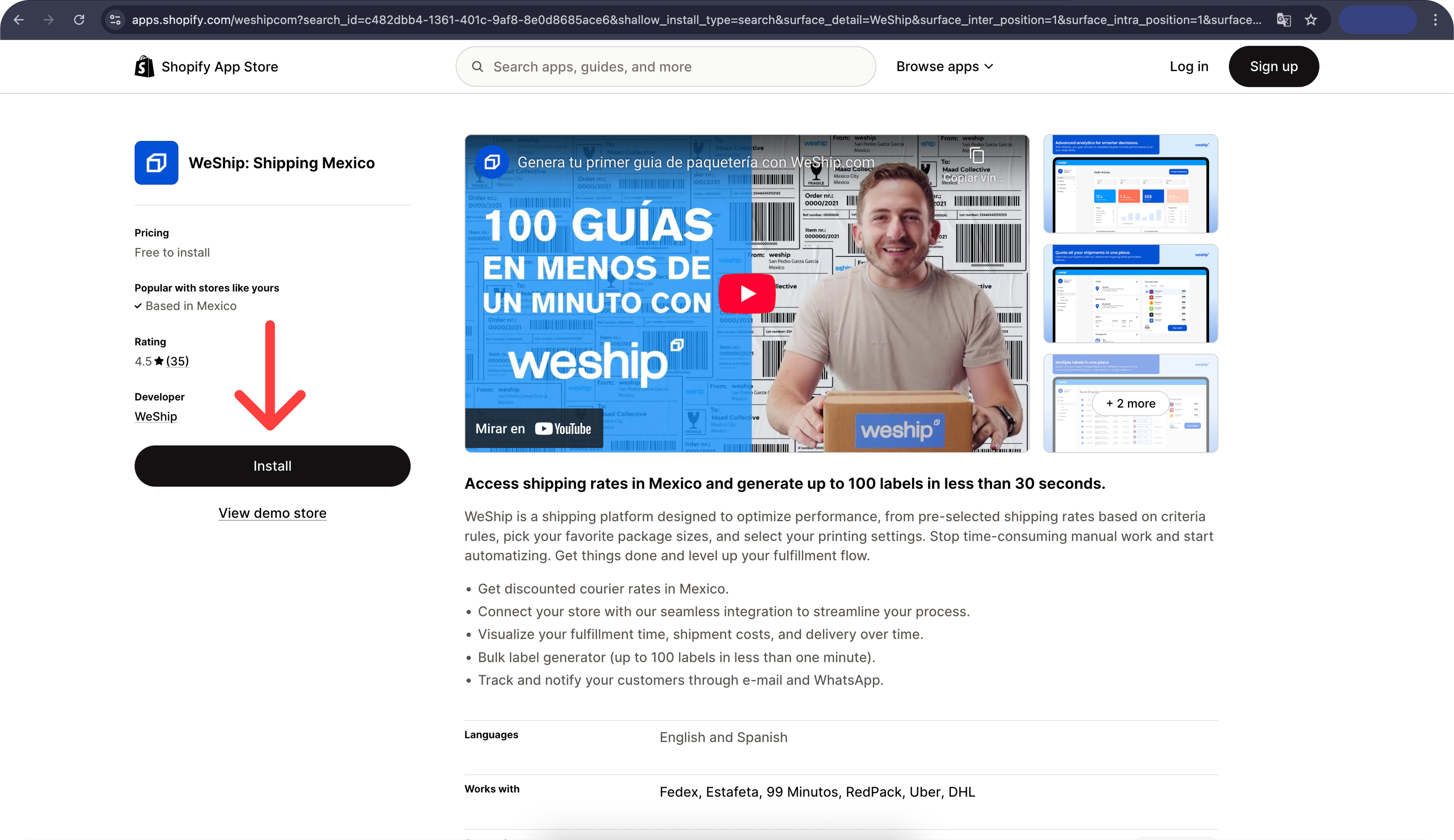
1. Go to the Shopify App Store and type "WeShip" in the search bar.
2. Select the app "WeShip Envíos Logística México"
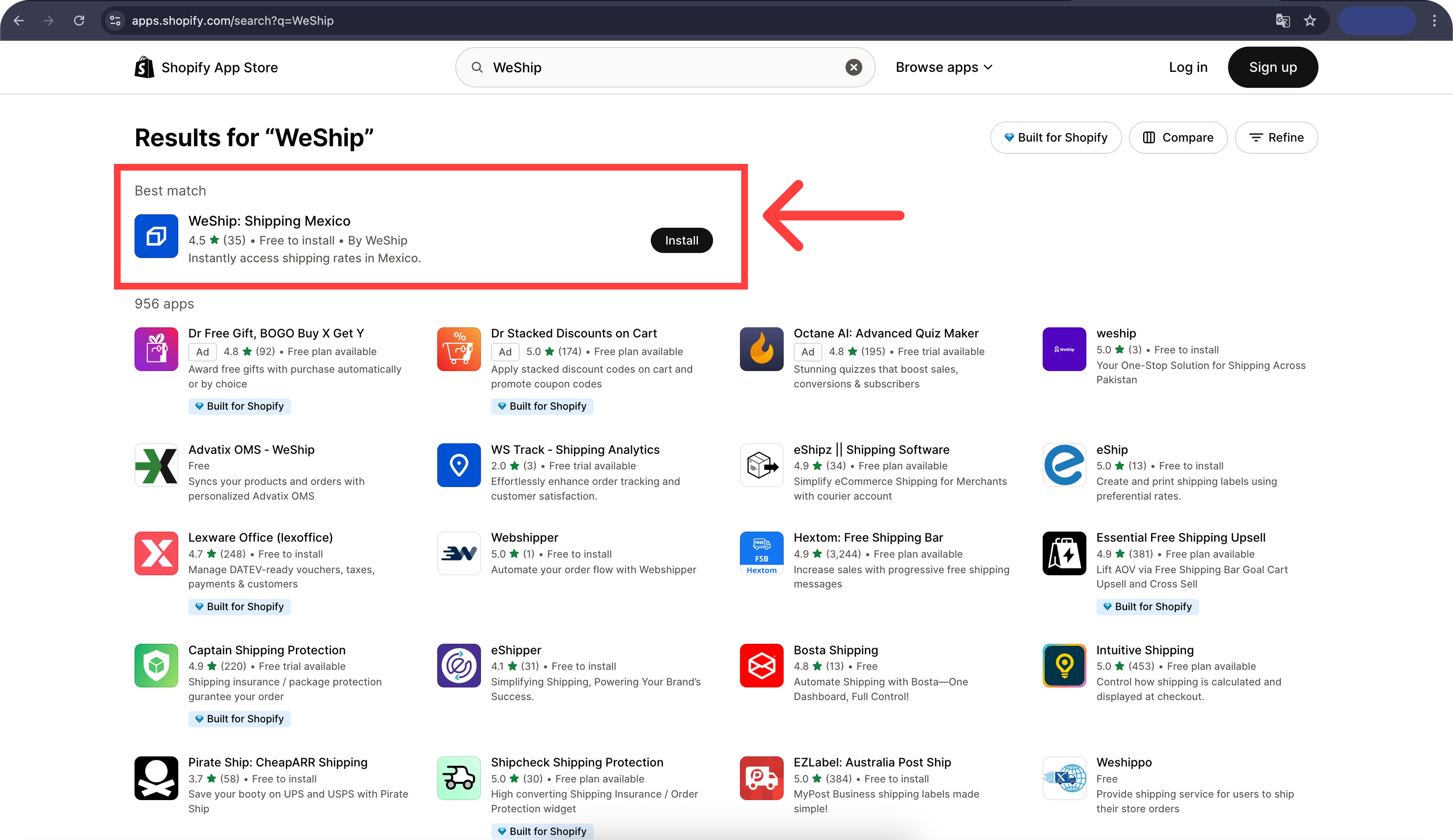
3. Click on the "Install" button.
4. Create an account on WeShip.
5. Fill out the form with your information and shipment details, such as the approximate number of monthly shipments.

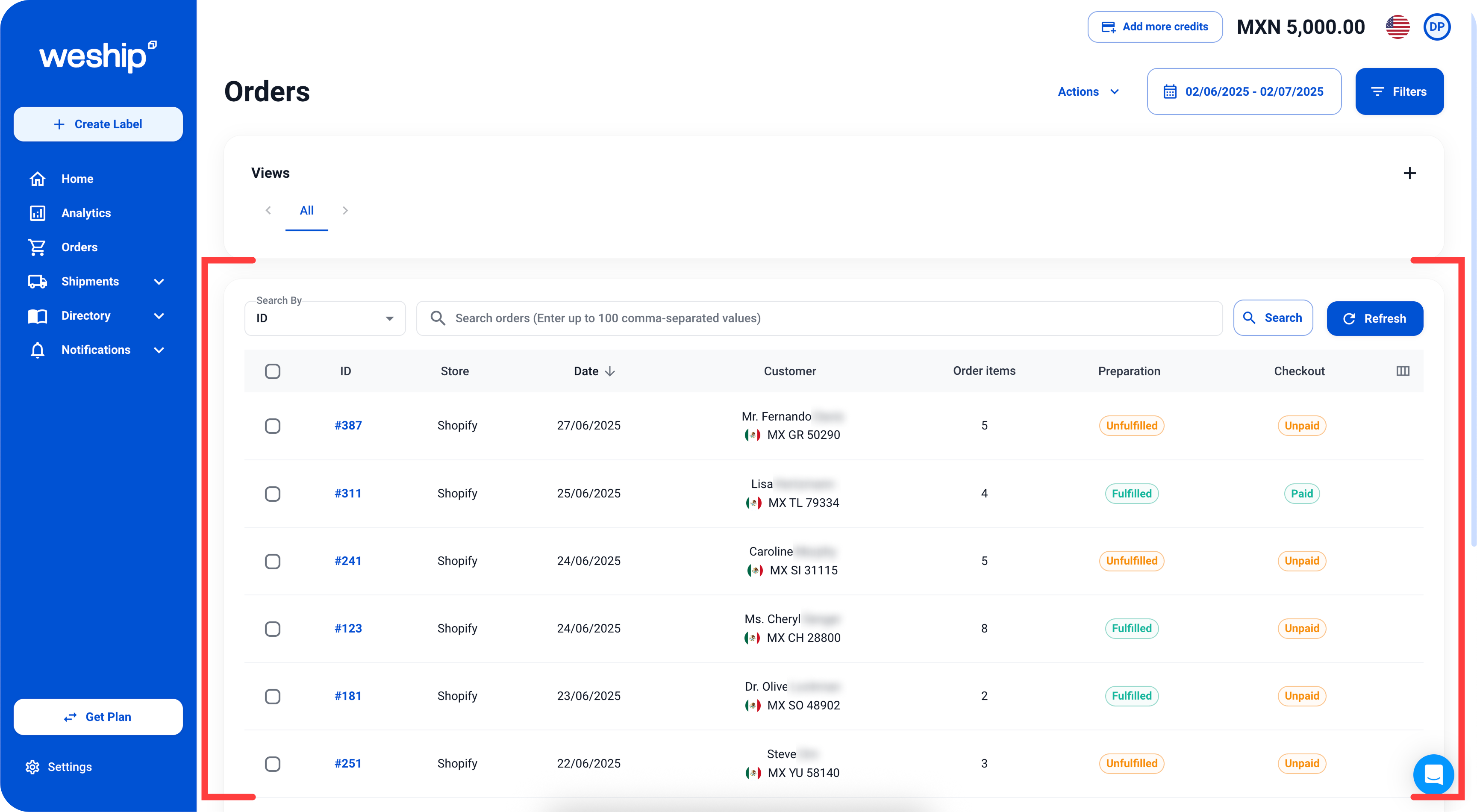
6. Once you’ve registered and are inside the platform, your Shopify store orders will automatically sync with WeShip. You’ll be able to view them from the “Orders” menu.