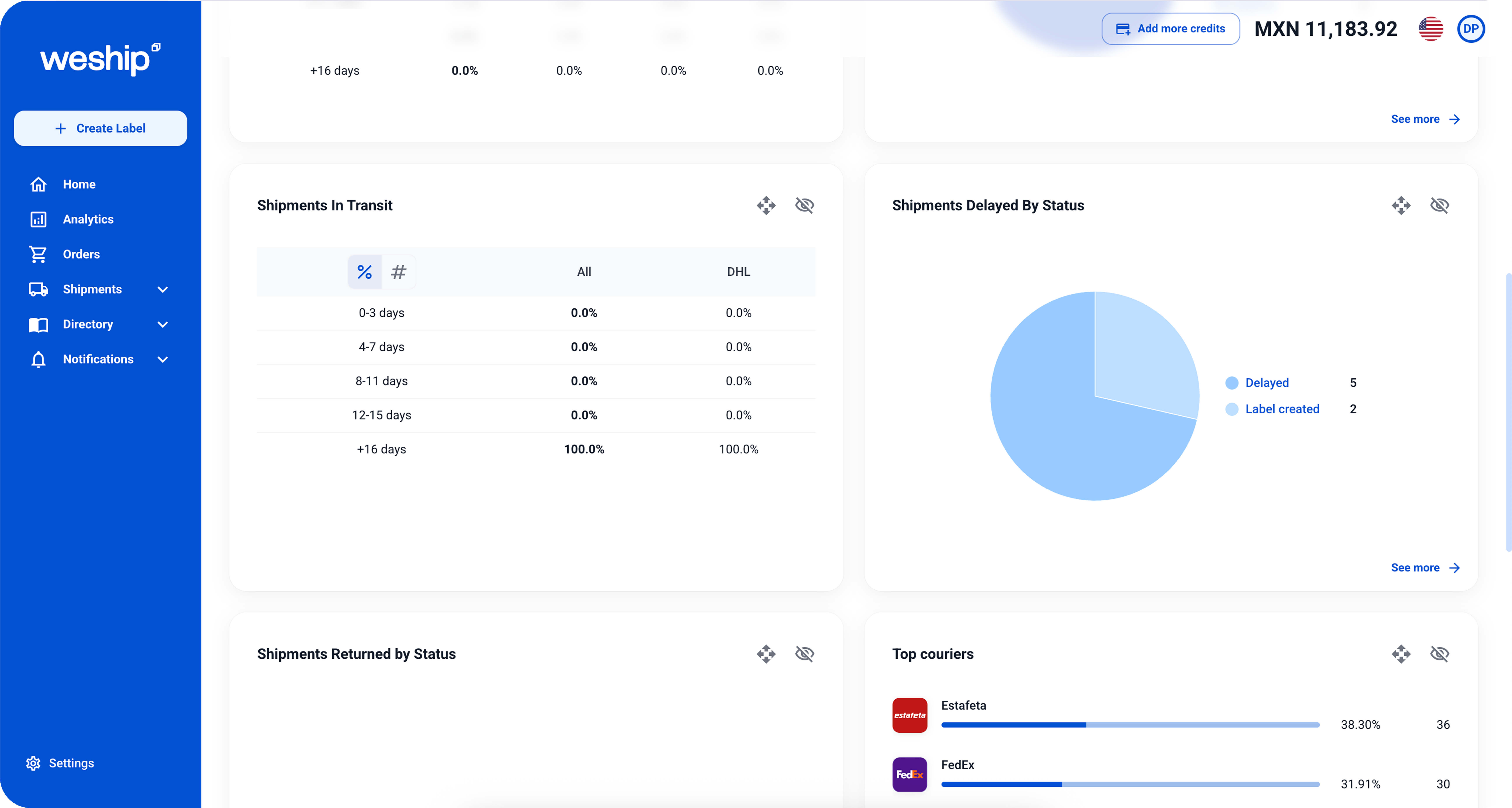
How to monitor the performance of your Carriers?

User Manual - WeShip
WeShip
© WeShip SA of CV, 2025 | Ship Smart.
The best Courier Services
Quote, send and track your shipments with the best Courier Services on the market. All from a single platform.
View all Couriers

Steps to monitor your carriers

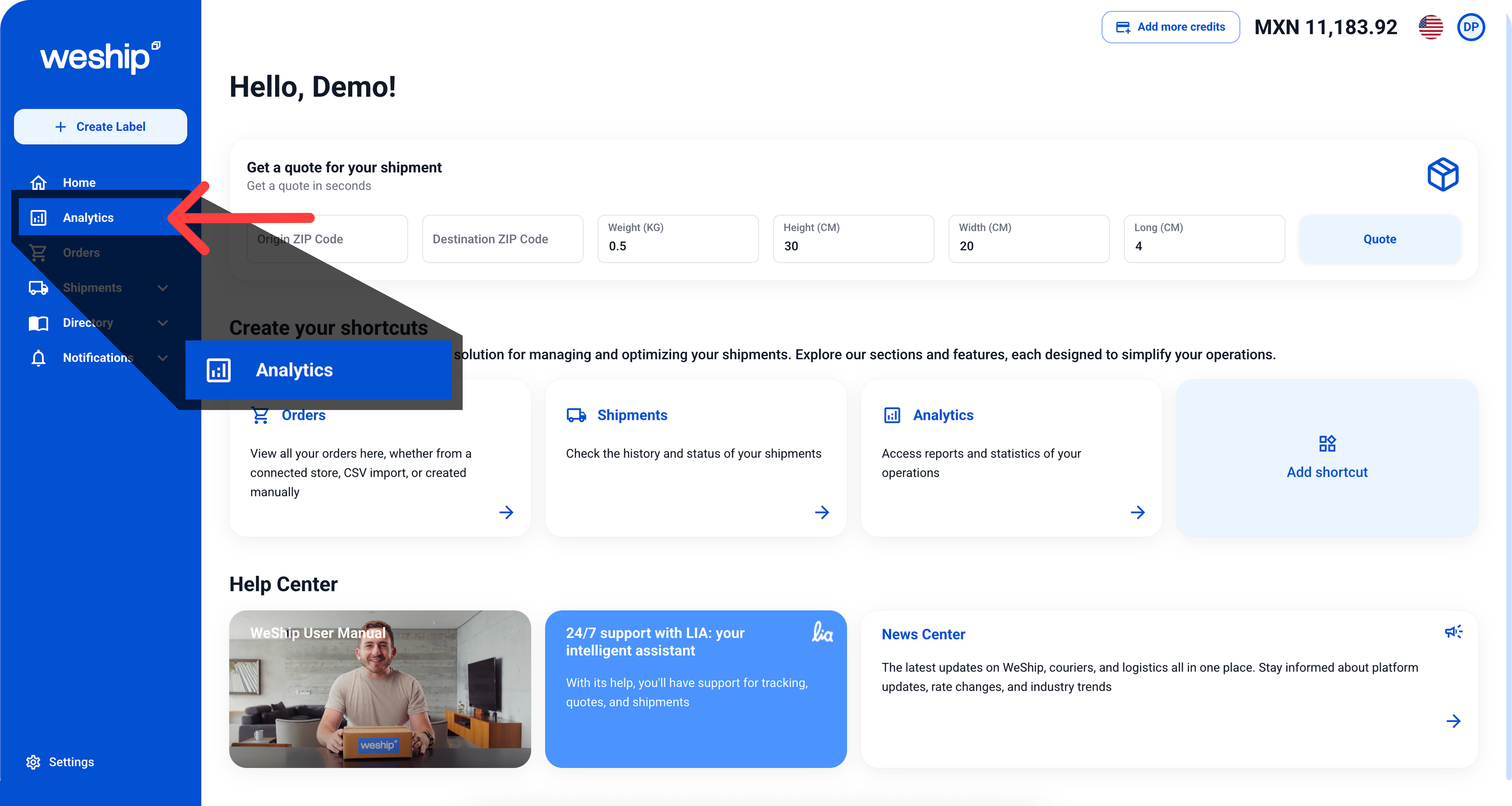
1. Access the Analytics section

Go to your WeShip dashboard and select the Analytics tab to view metrics for all your shipments.
2. Filter by carrier

Use the filters to select the shipping company you want to evaluate. This way, you’ll only see their specific results.
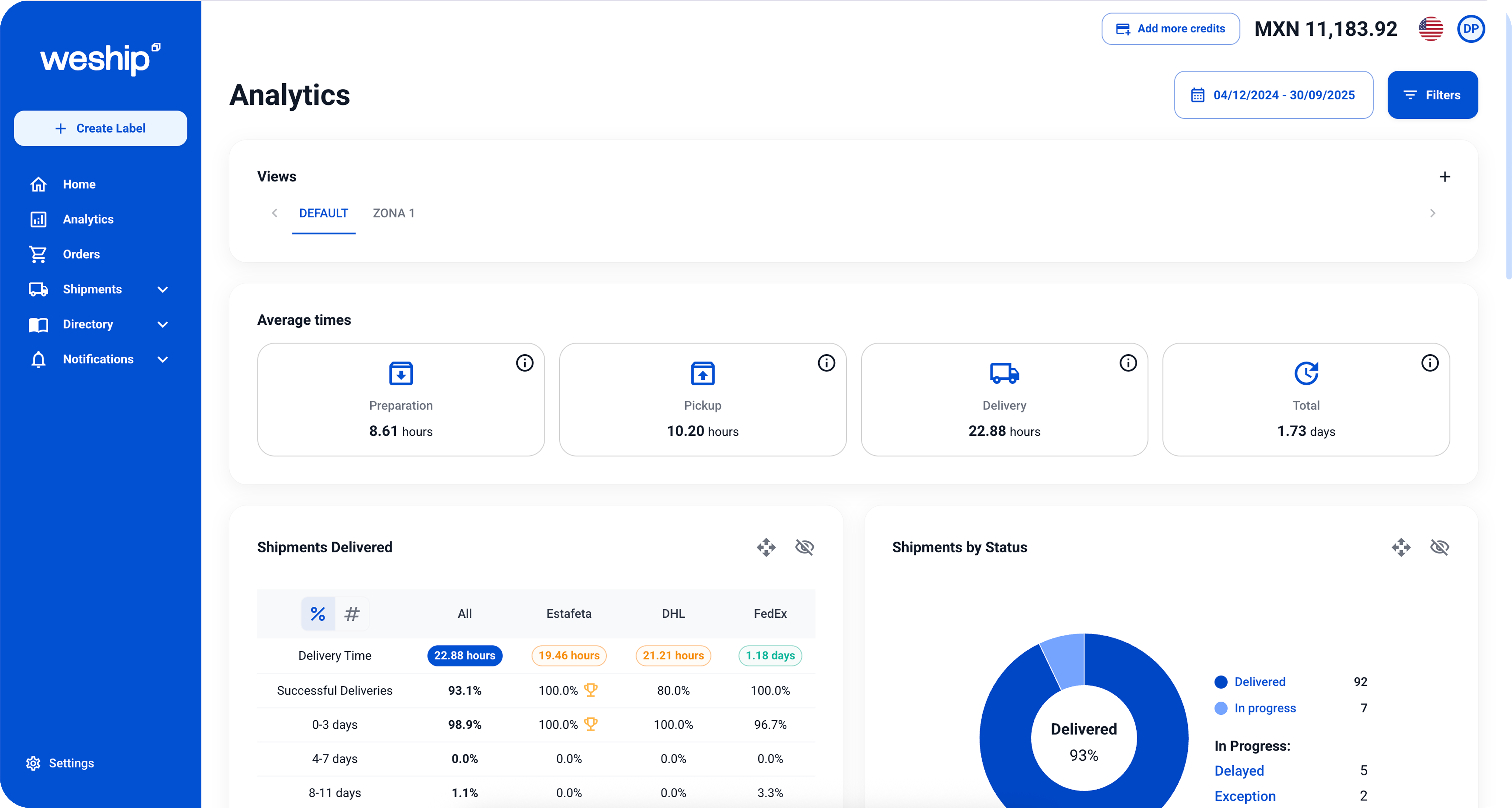
3. Review key indicators and compare carrier performance

  • Average delivery time: compare promised vs. actual.
  • Incident rate: delayed, damaged, or returned packages.
  • Delivery effectiveness: percentage of shipments delivered on time.
  • View charts to identify which carrier performs best in your shipments and detect areas for improvement.