Subscribe to our Newsletter


WeShip United States




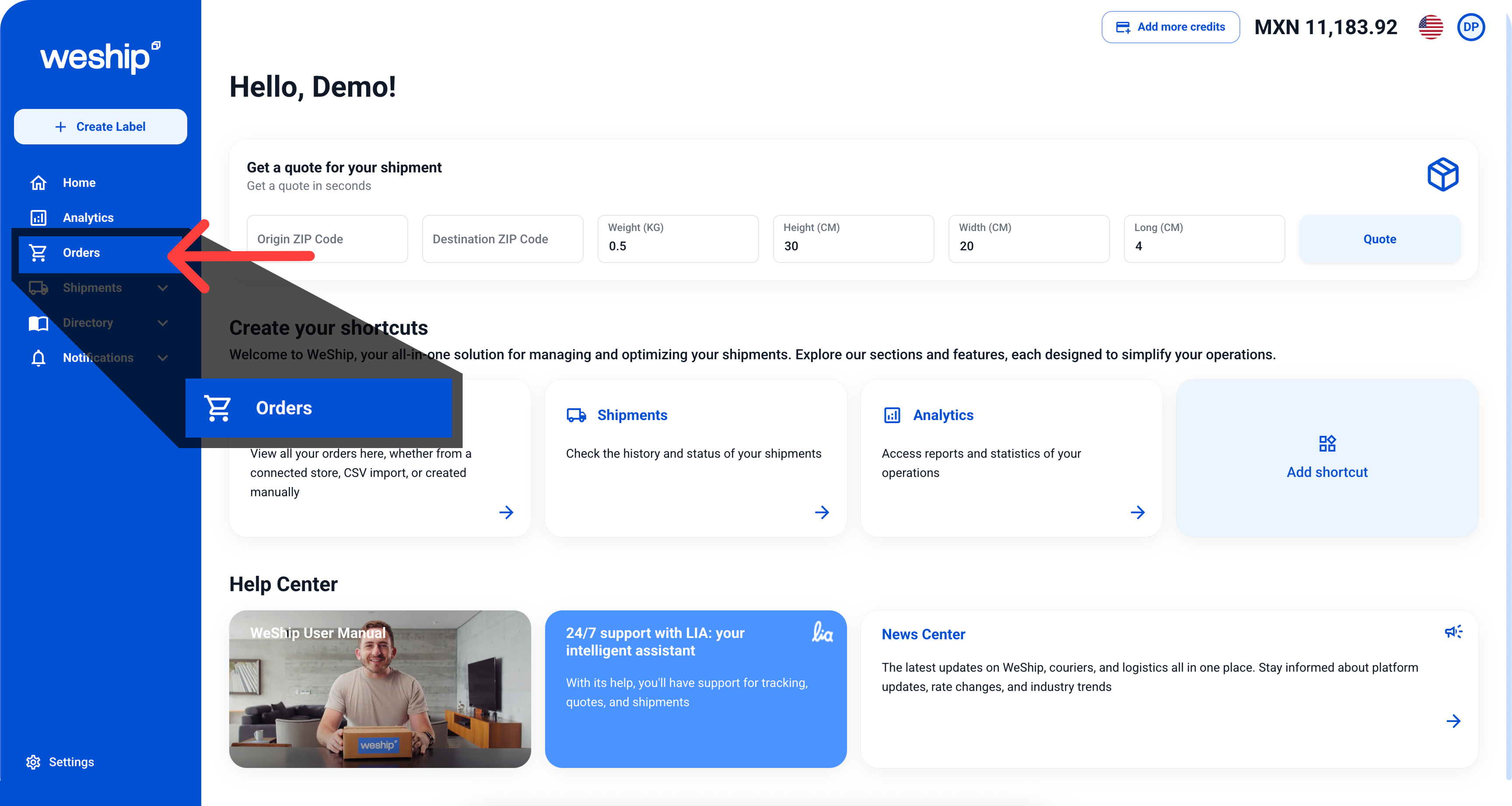
1. In the navigation menu, click on the “Orders” section
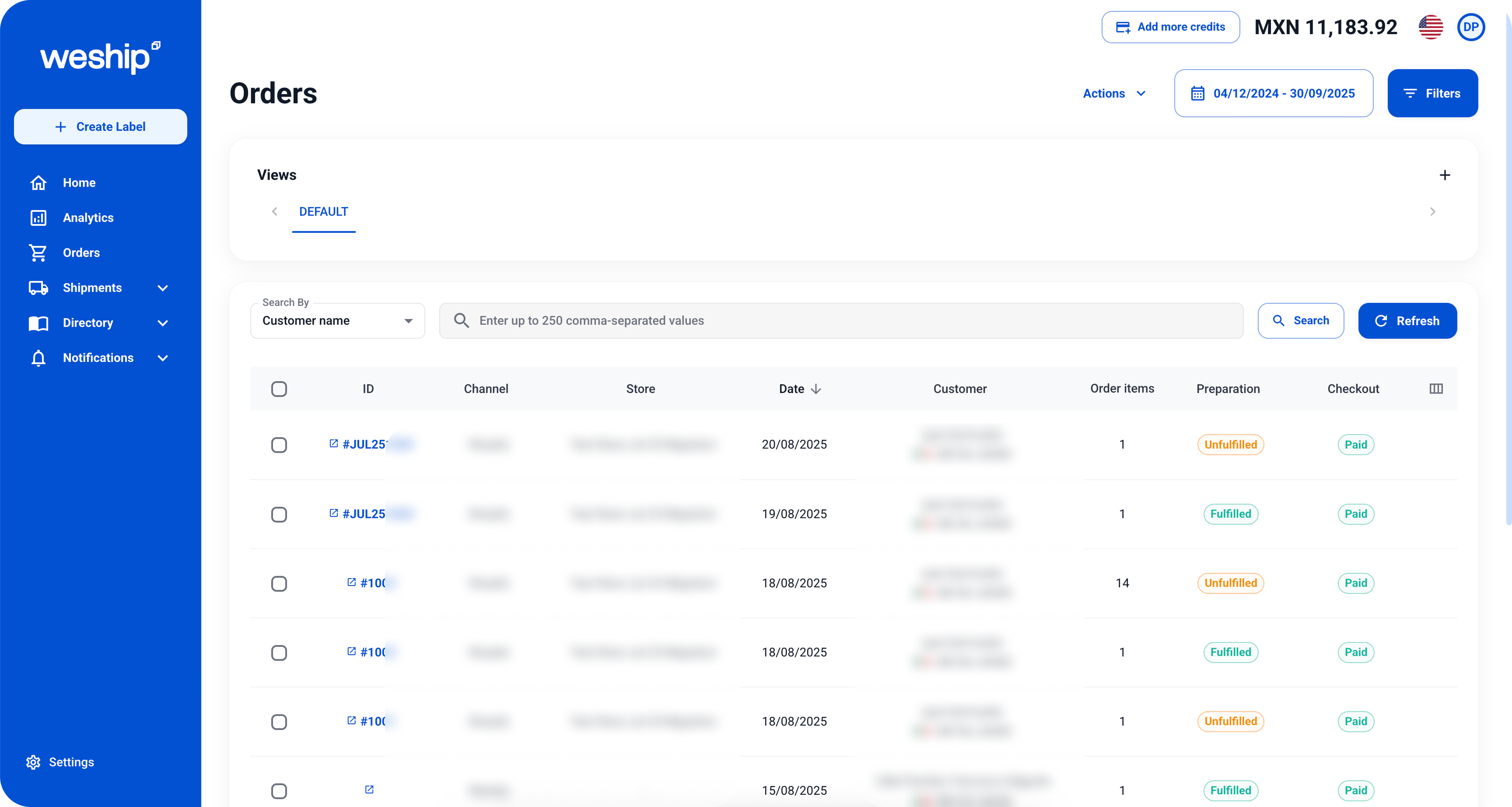
2. You will see a table with all incoming orders from your store. From here, you can also quote shipments and/or purchase shipping labels by clicking on the corresponding shipment “ID.”