Subscribe to our Newsletter


WeShip United States




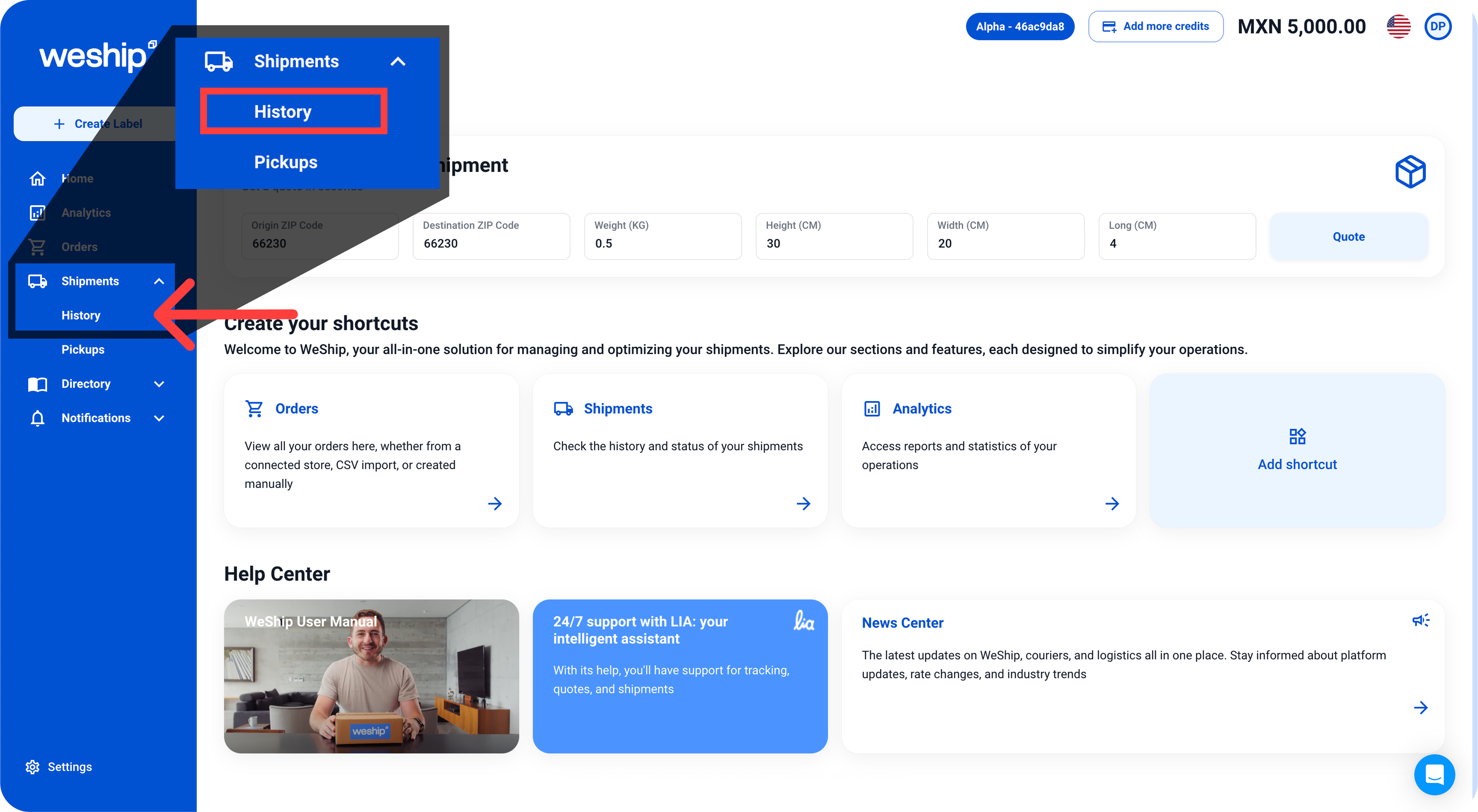
1. Go to the side menu and click on the “Shipments” tab. A sub-menu will appear — click on the option that says “History”
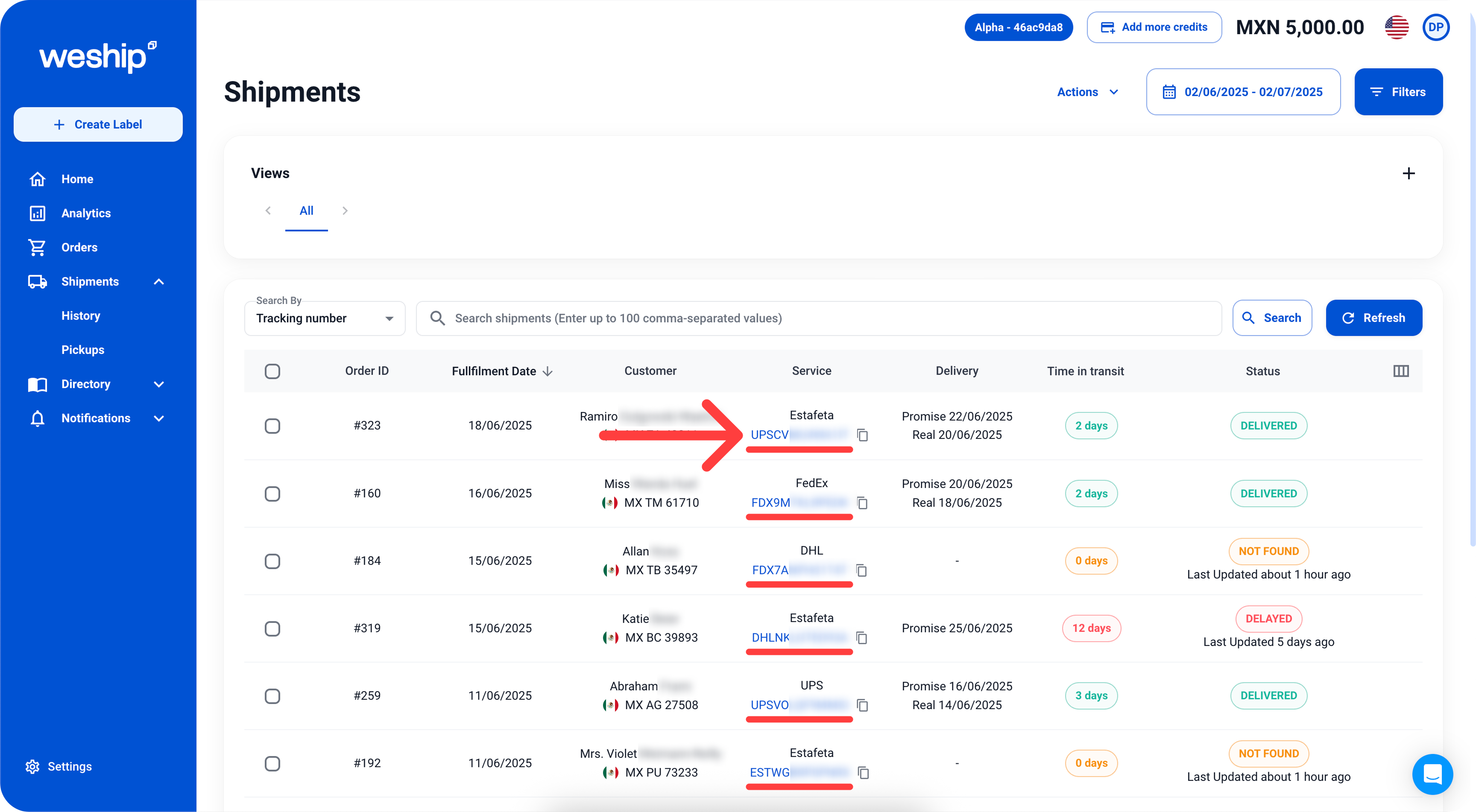
2. In the shipments table, locate the “Service” column and click on the tracking number of the shipment you want to track.
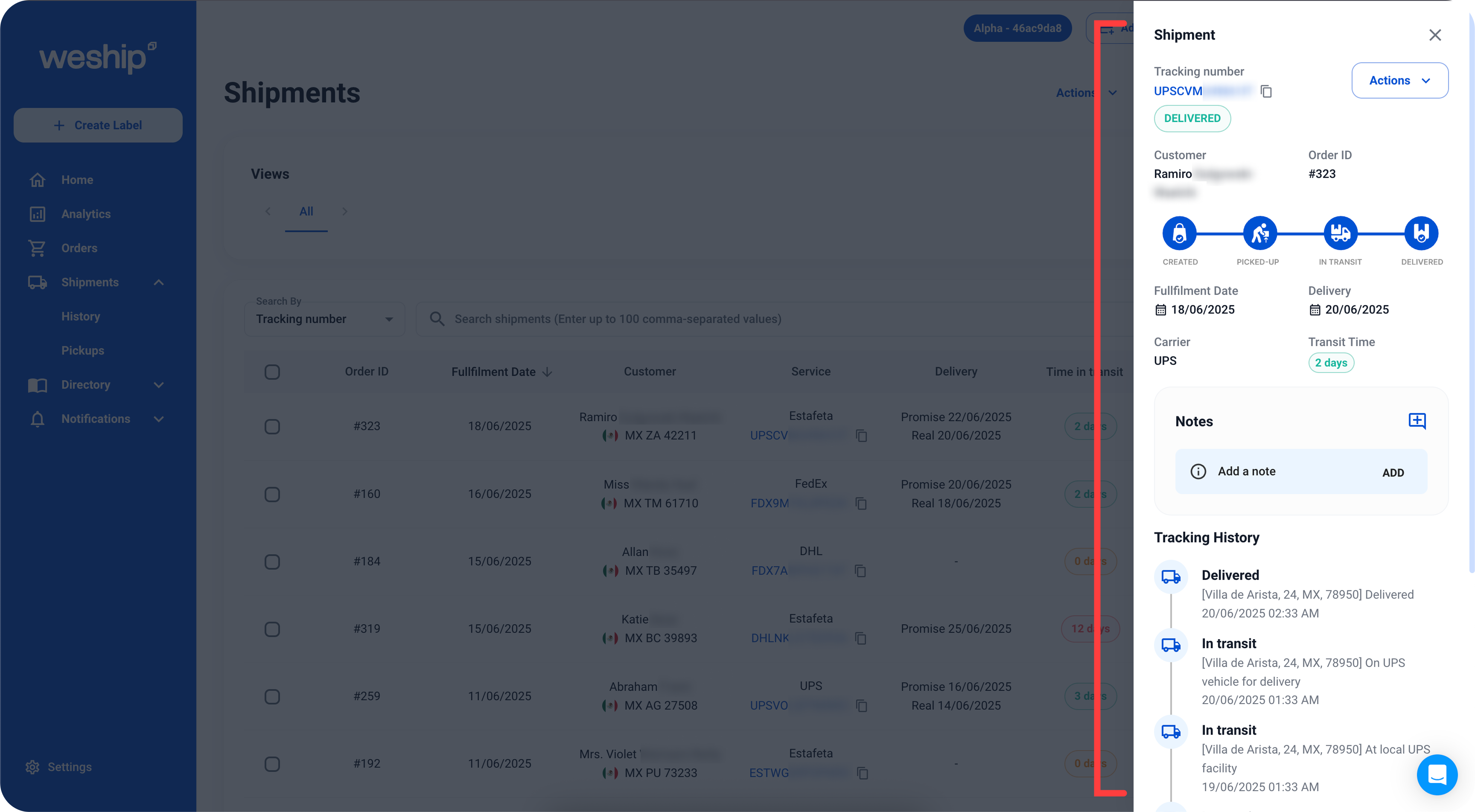
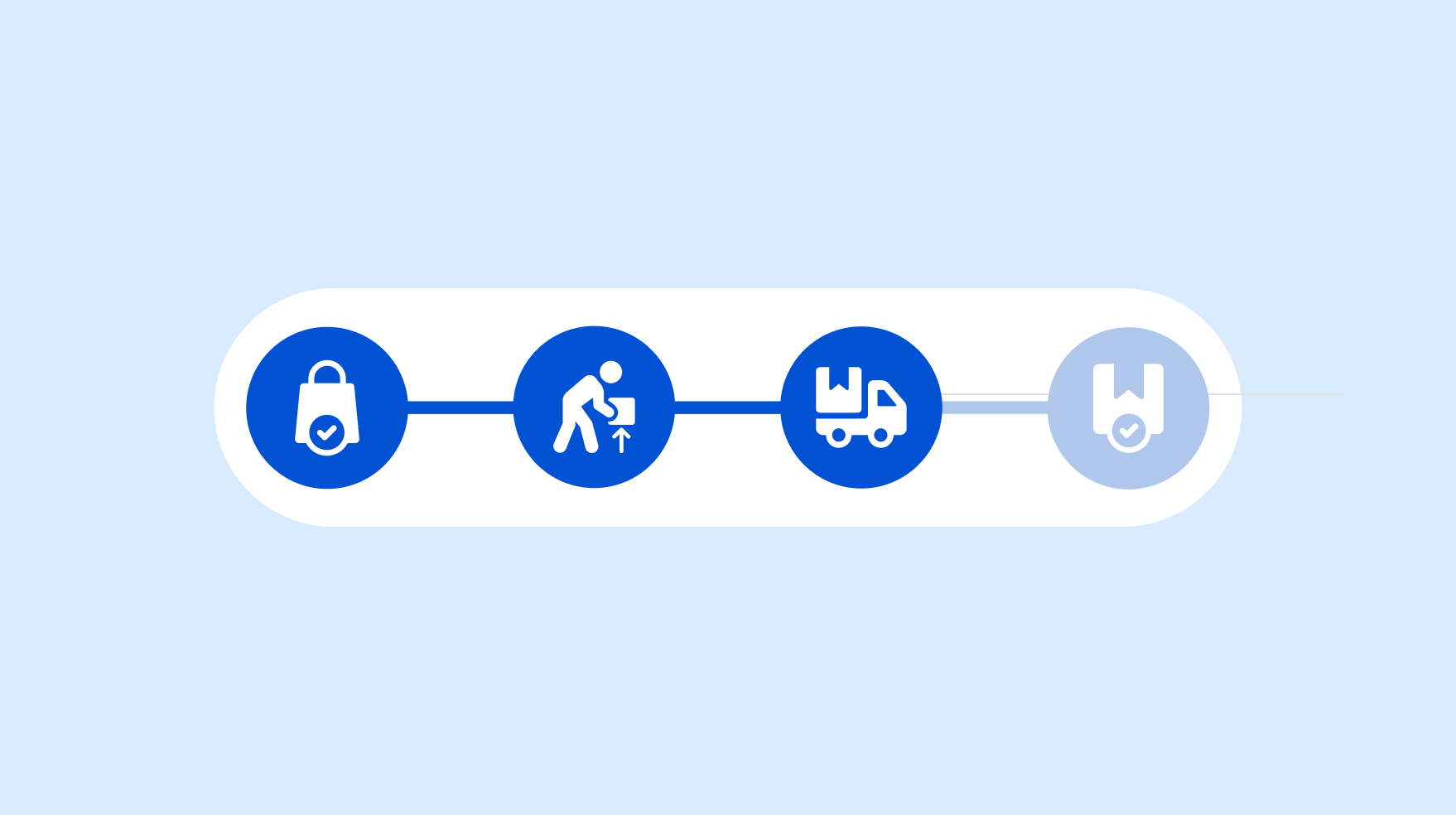
3. This will open a sidebar with the tracking bar and detailed information about your shipments, such as the status, transit time, carrier, tracking history, and more.